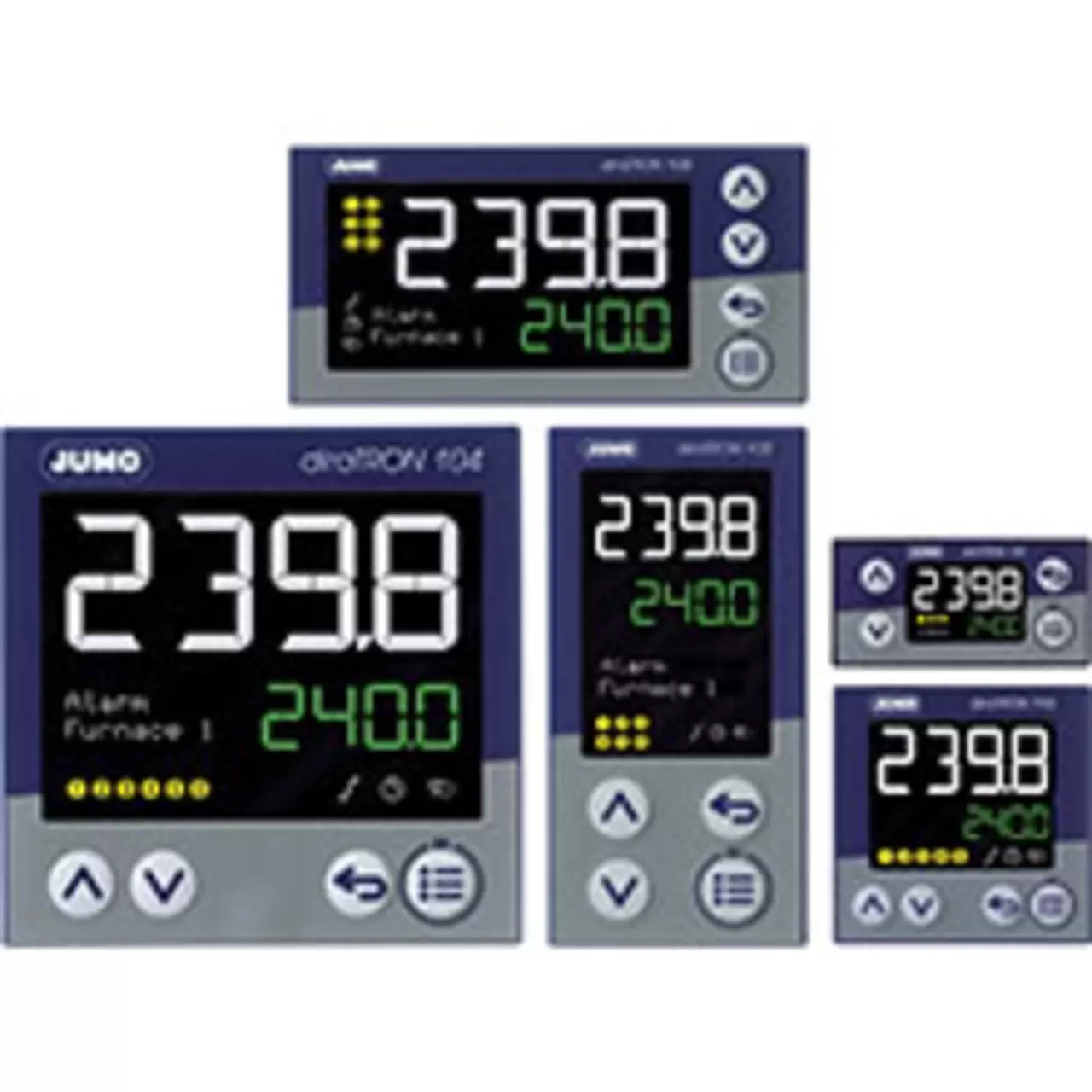
Compact controller
Find out more about the benefits and related technical specifications of the JUMO diraTRON
Productinfos
Find out more about the benefits and related technical specifications of the JUMO diraTRON
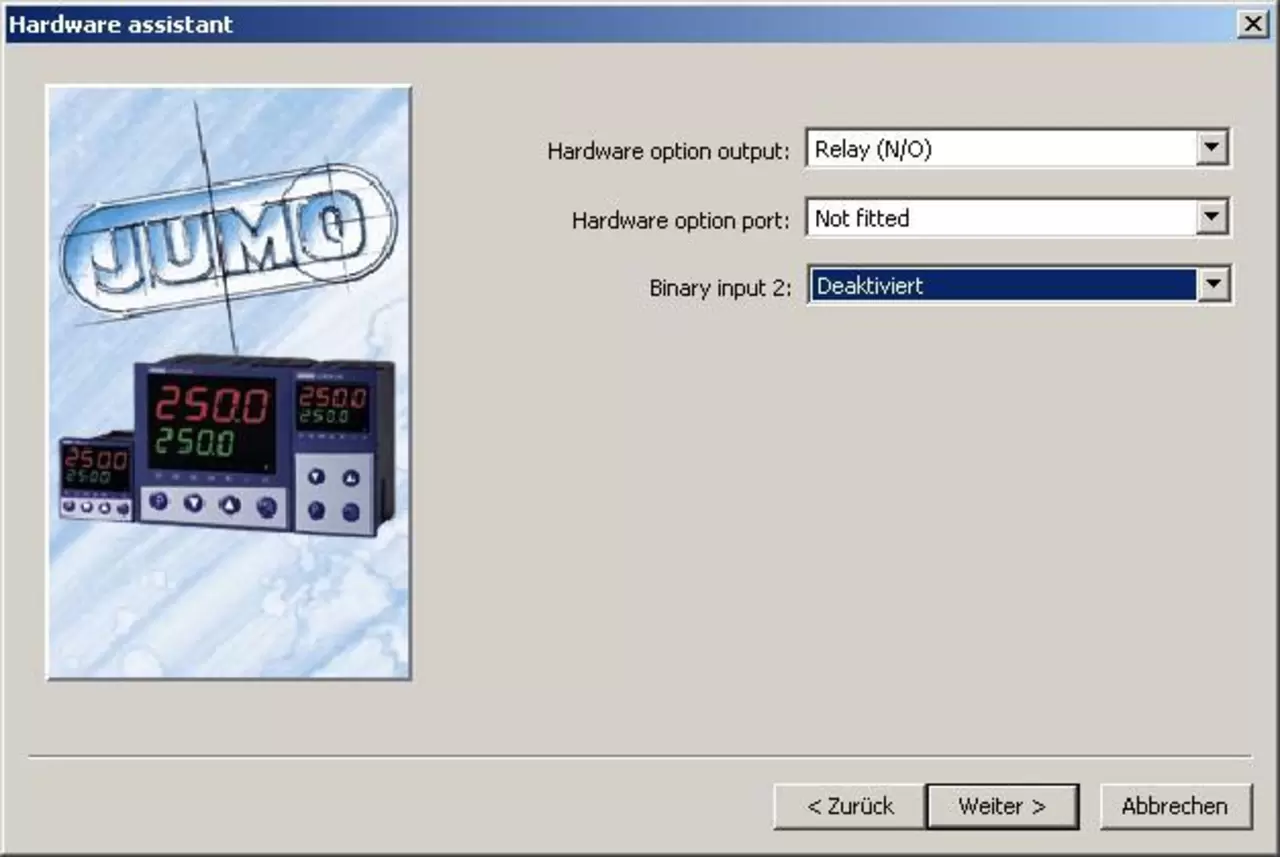
ProductinfosWith cTRON 04 and 08 you can use the hardware setup assistant to activate the second binary input.
The analog input can then no longer be used to receive the signal 0 - 10 V. The analog input is still fully available for other input signals such as Pt100, thermocouple and current.
There is a 30-day trial version to test the installer.
All features of the installer can be used without restrictions for 30 days after the initial installation. Data transfer, storage and installation startup are automatically disabled after 30 days.
To enable installer features (even after 30 days) without a time limit, enter the license number.
You can download the program from the JUMO website:
You must create a new document (File -> New). Then you can choose whether the installer should automatically detect the device's hardware configuration or whether you want to configure the device's hardware configuration manually.
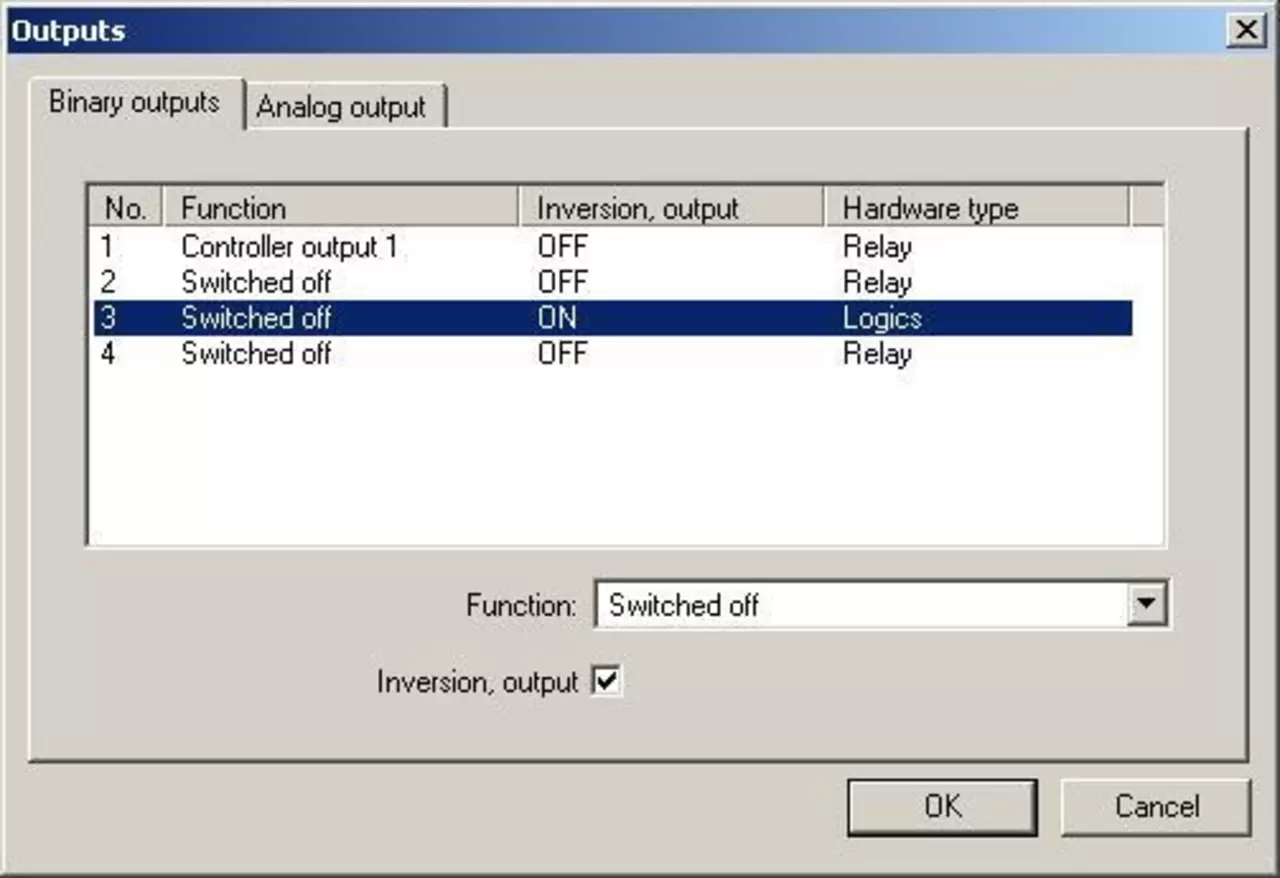
The logical output 0/14V can be used for this purpose. You can use the installer to invert the disabled output. This sets the logical output permanently. This function can be implemented using a limit value comparator, for example without a setup program.
Before using a logic output for the transmitter supply voltage, you must check whether the available voltage around 14V is sufficient to power the transmitter and the voltage drop across the cable and measurement inputs.
No, the modules are not upgradeable with cTRON.
To reset JUMO cTRON to factory settings JUMO, press “P” and “Up Arrow key” simultaneously when turning on the power.
"IniT" will briefly appear on the lower display.
Be careful!
The function should only be used if you have a complete configuration for a specific application or if all controller requirements for a specific application are known in detail. Third-party default settings (such as those made by equipment manufacturers) will be reset to the JUMO standard and thus lost.
To read the device software version, press “P” and “Up Arrow key” at the same time.
JUMO cTRON automatically detects whether the interface RS 422 or RS 485 is used.