Powerful software JUMO
Discover JUMO Software-Downloadcenter: powerful tools, up-to-date versions and secure downloads for your automation processes.
Open the download center
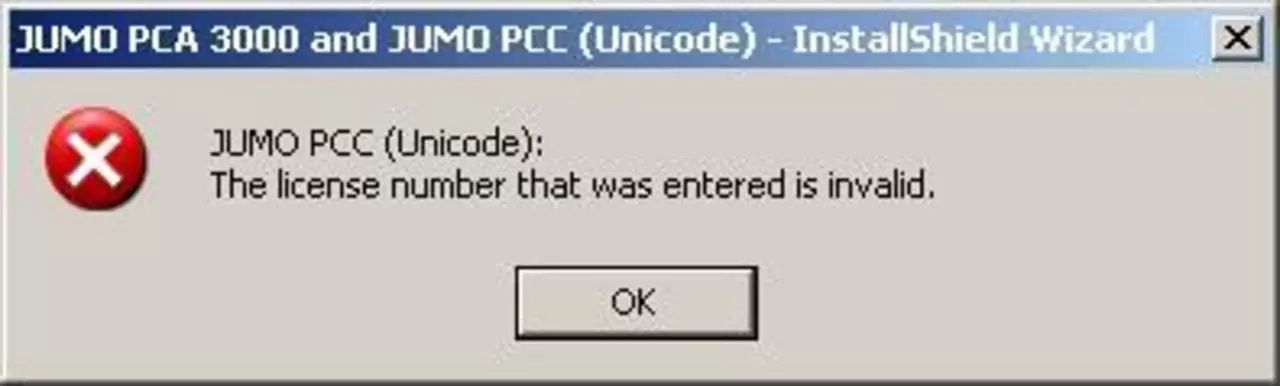
The installation disc contains two JUMO computer programs: PCA3000 and PCC.
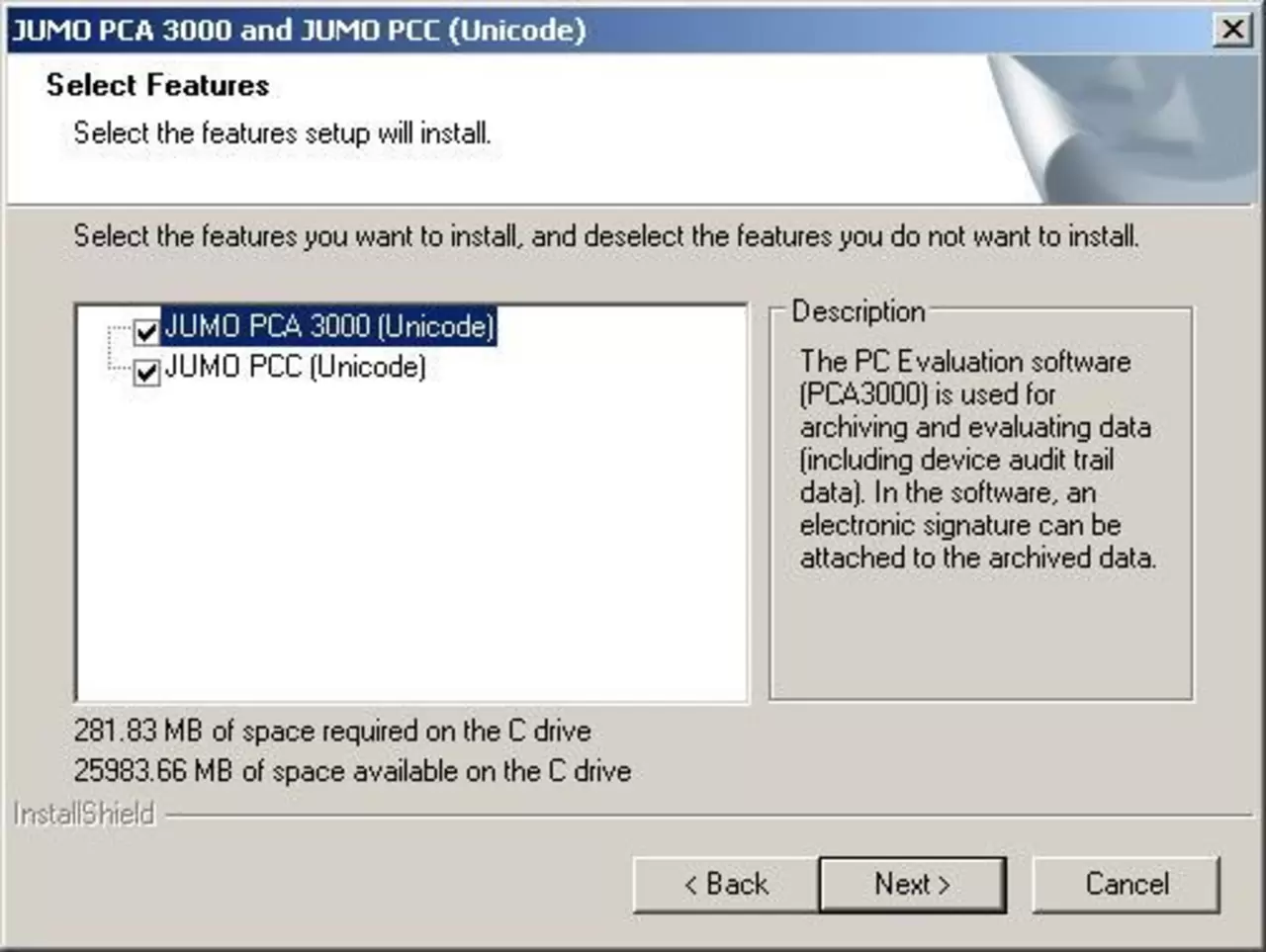
If you only purchased a license for PCA 3000,
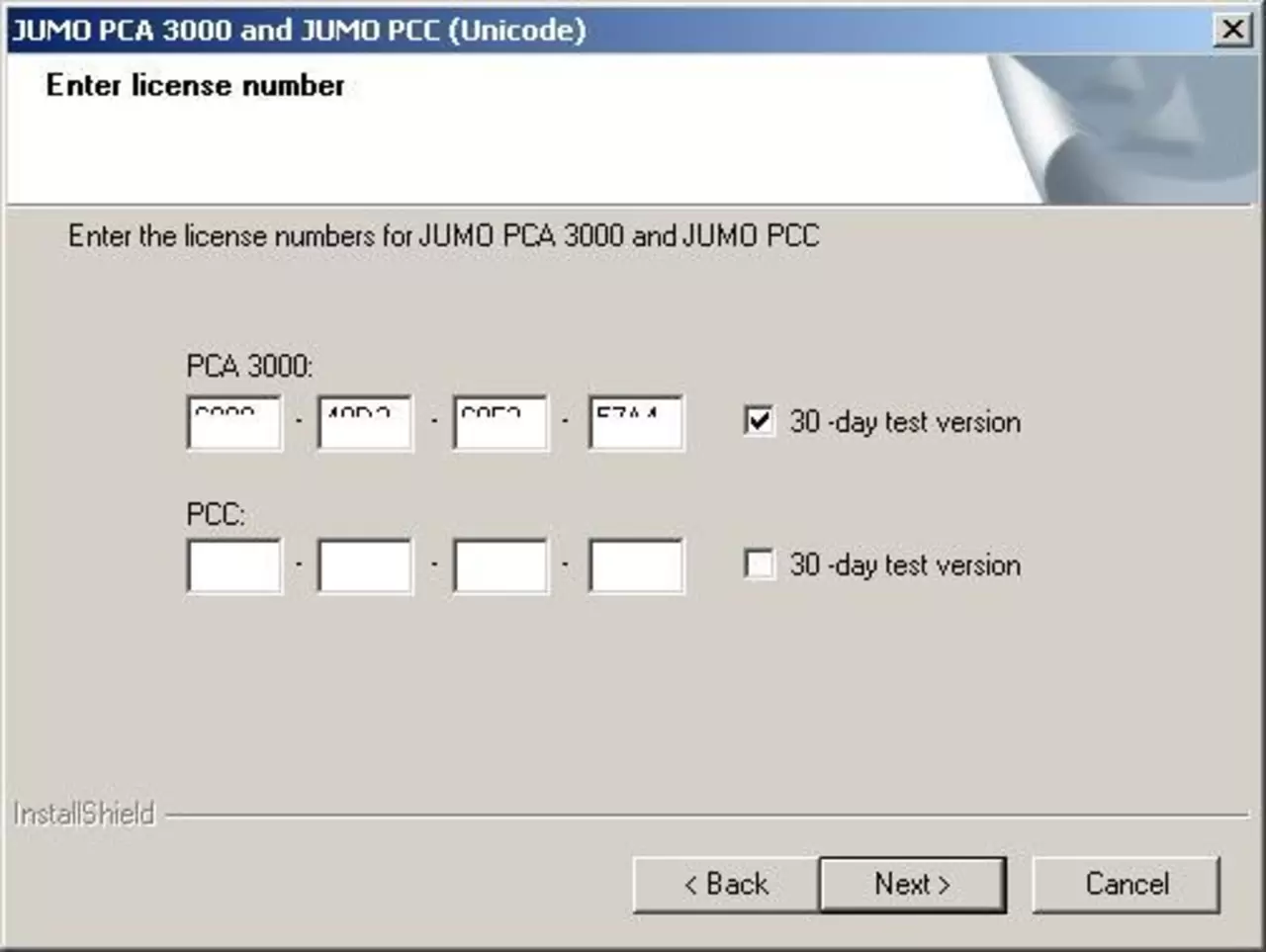
you need to uncheck the option PCC.
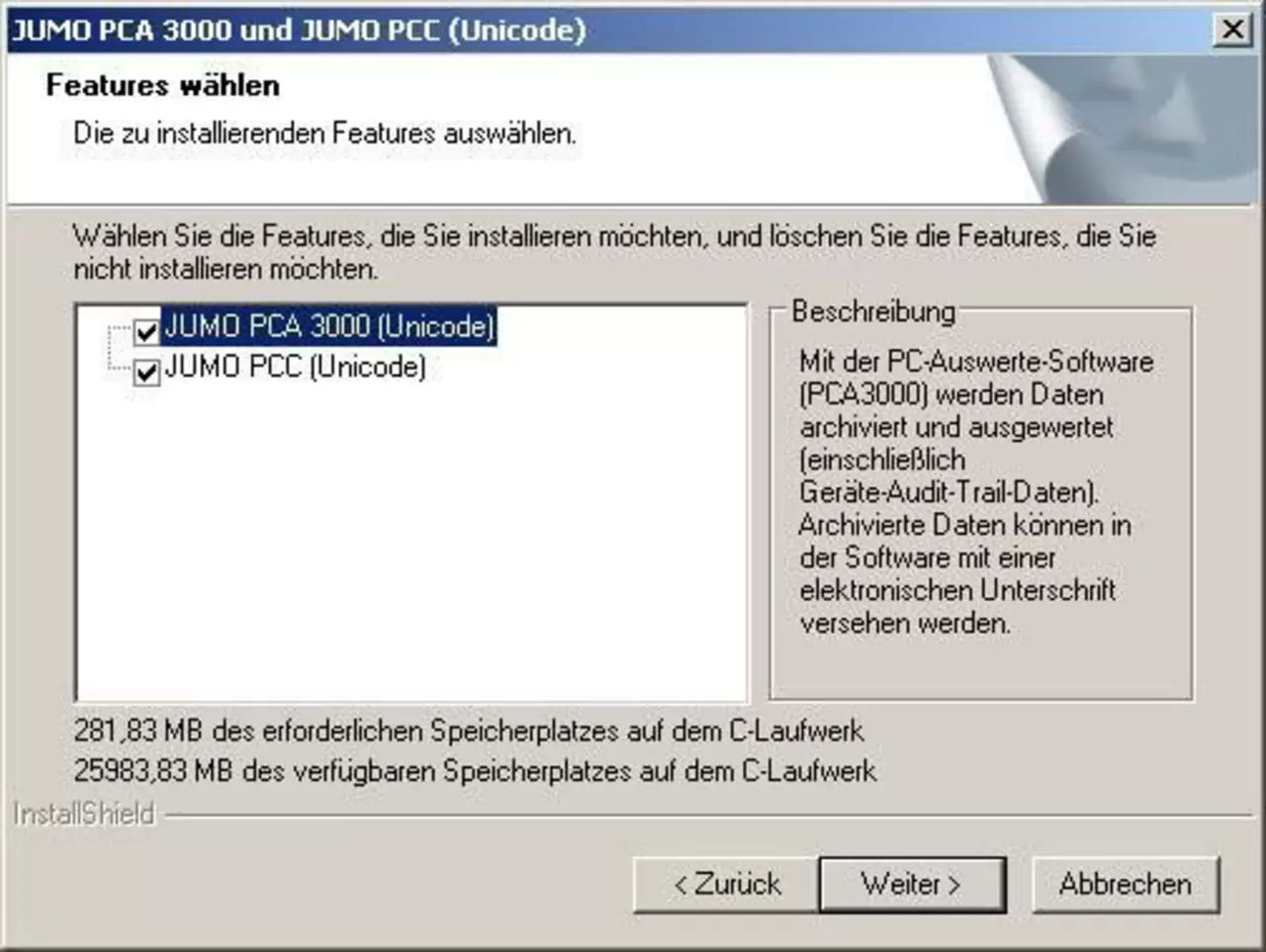
Newer instruments (LOGOSCREEN 500 cf and LOGOSCREEN nt) require JUMO PCA 3000 Unicode. The software update can be downloaded from the Internet.
Discover JUMO Software-Downloadcenter: powerful tools, up-to-date versions and secure downloads for your automation processes.
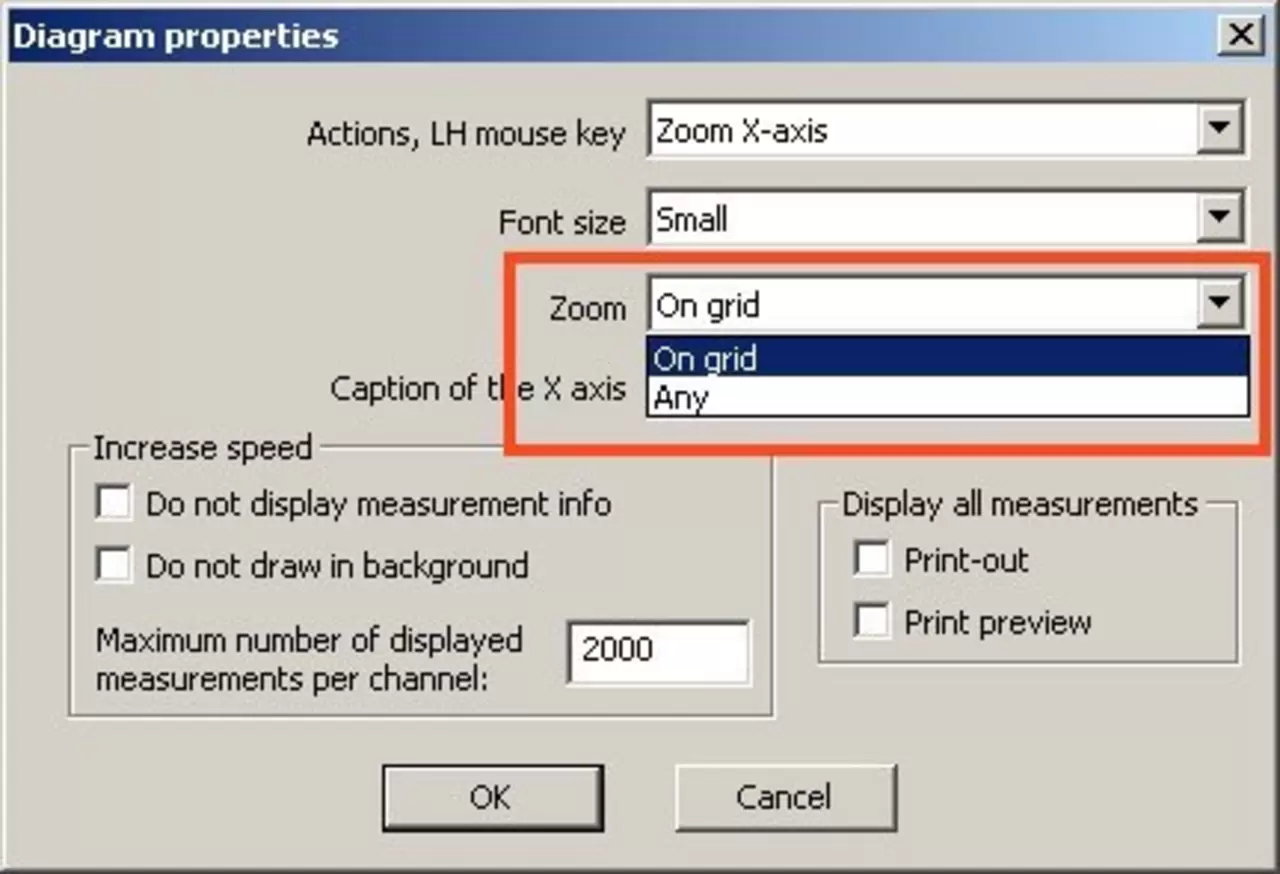
Open the download centerThe Y axis is increased to a defined grid so that it can be better subdivided.
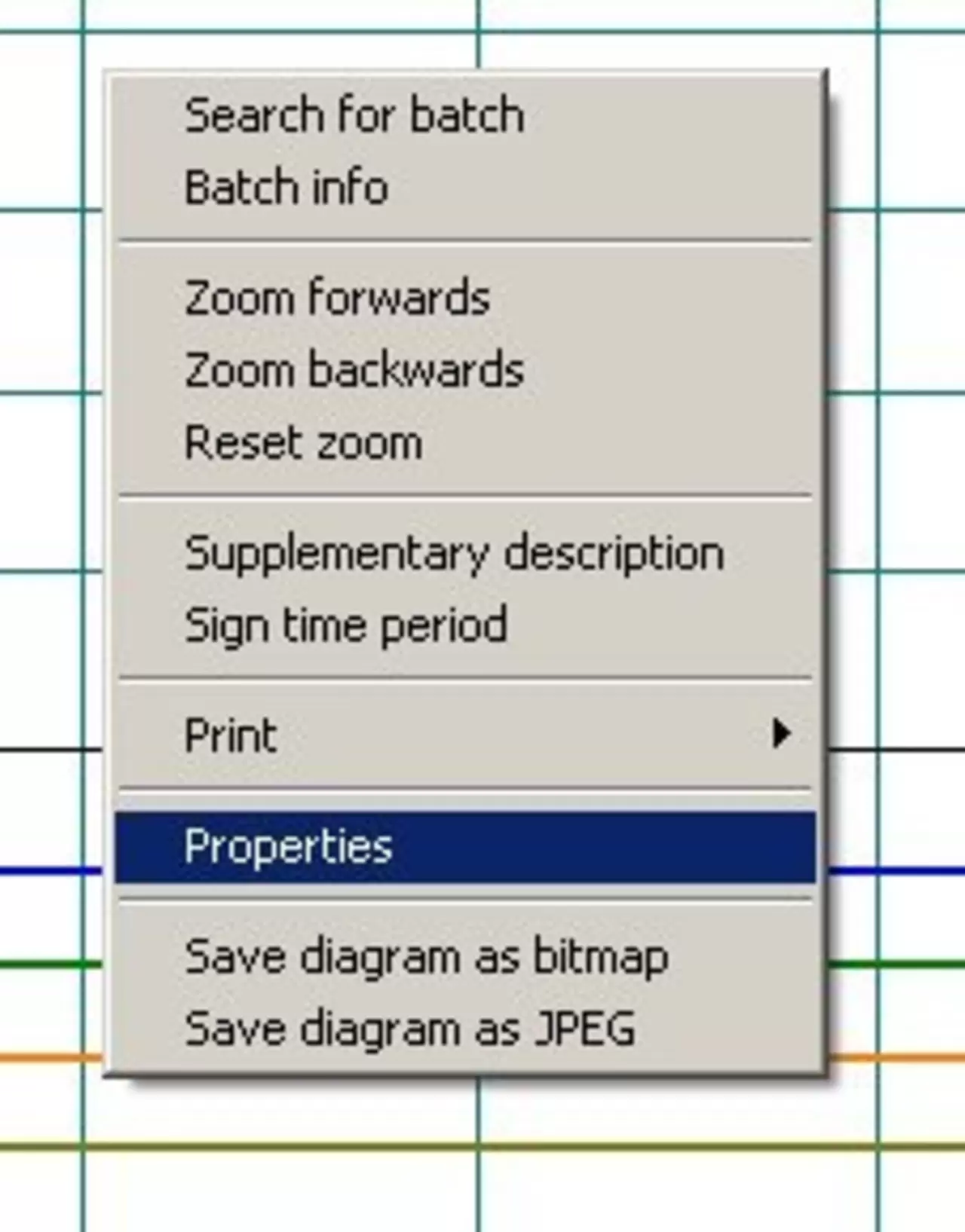
Right-click on the graph and under Properties, set “Zoom” to “Grid” or “Any”.
In the case of LOGOSCREEN nt and LOGOSCREEN cf/es, you can configure the group parameters so that the measurements are only displayed and not recorded. Then, although the time range is read, the recorded data will not be available.

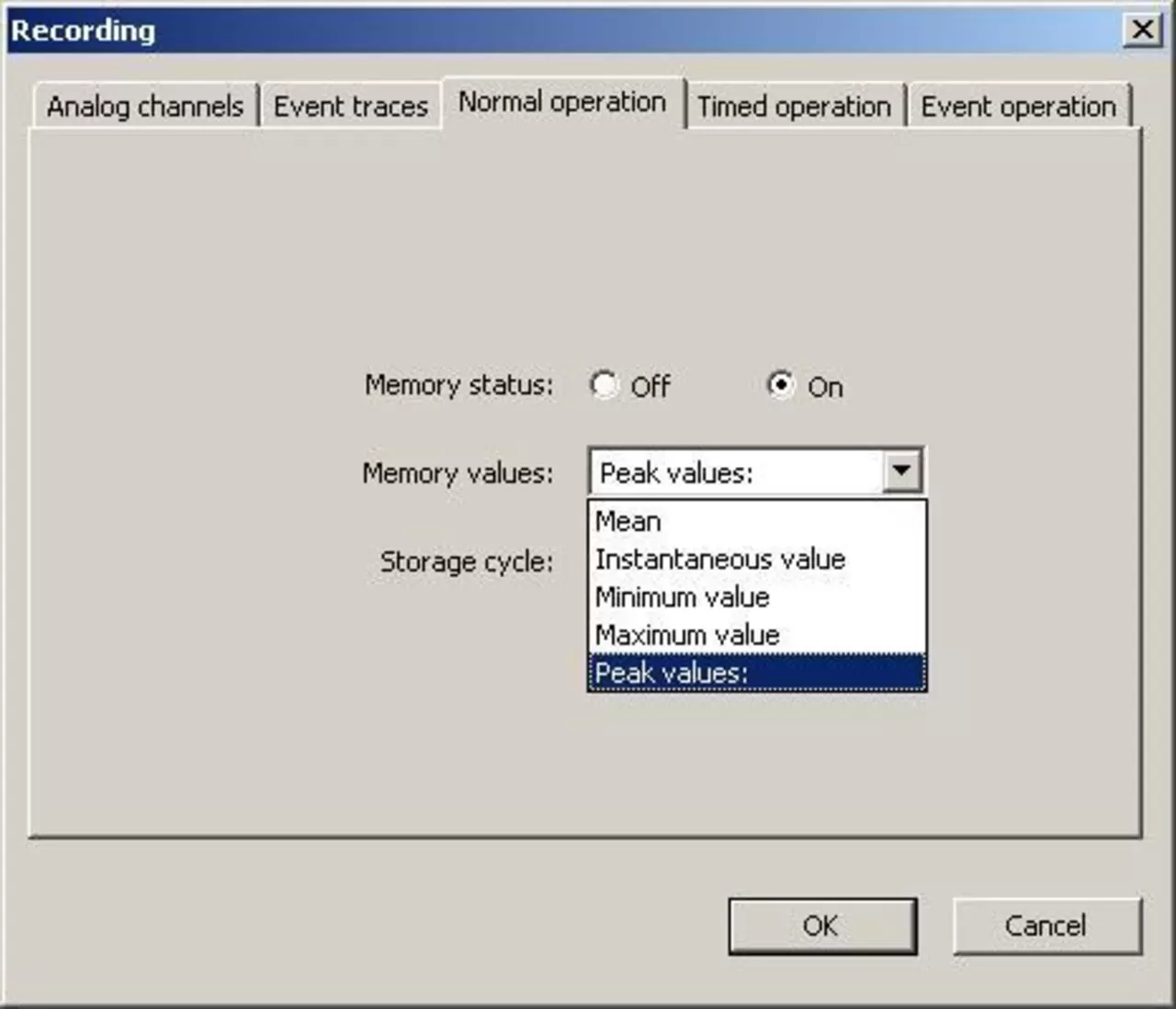
With the JUMO loggers you have the ability to record peak values. If peak value recording is activated for a device, the corresponding minimum and maximum values are stored in the device during the storage cycle.
This means that PCA 3000 will also show two lines. They can be shown or hidden as needed using the “Set check mark” or “Remove check mark” functions.
Every time you change the configuration (including time), you must create a new time range. In this time range, the measured data is stored until the configuration is changed again.
Time periods cannot be combined. If, for example, the input scaling changes, the curves no longer match.
The counter/integrator or report is saved only after it is completed or completed. Once the completed counters/integrators have been read, they are also displayed in PCA 3000.
Use the down arrow box to show and hide individual tabs for counters/integrators and reports.
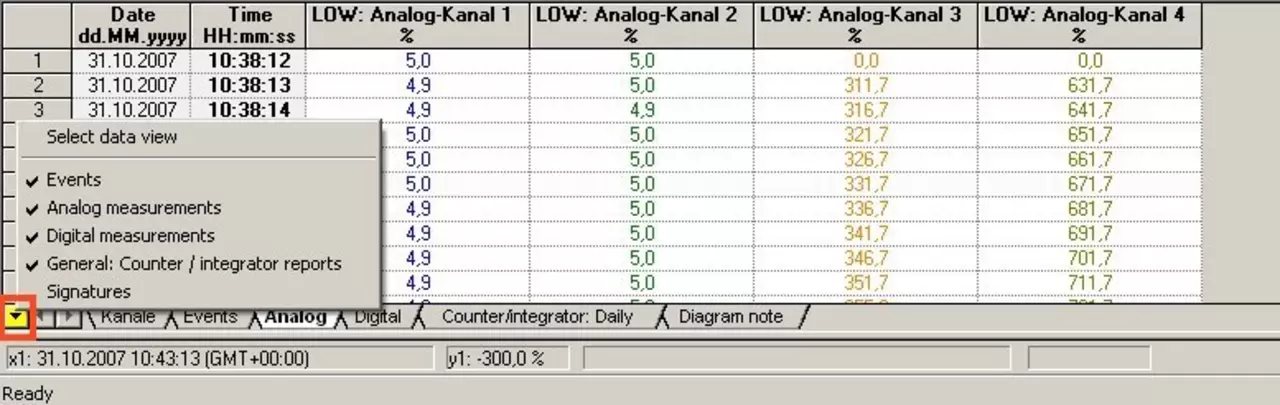
This is possible with version 177.03.xx and higher.
A note can be added later using "Type comments and place in chart".
The only way to remove a note is to reset the rating.
Discover JUMO Software-Downloadcenter: powerful tools, up-to-date versions and secure downloads for your automation processes.
Open the download center
This is possible with the following devices:
Every time the configuration changes (this includes time), a new time range must be created. The measurement data is stored in this time range until a further configuration change is made.
It is also not possible to combine time ranges. If the input scaling is changed, for example, the curves will no longer fit.
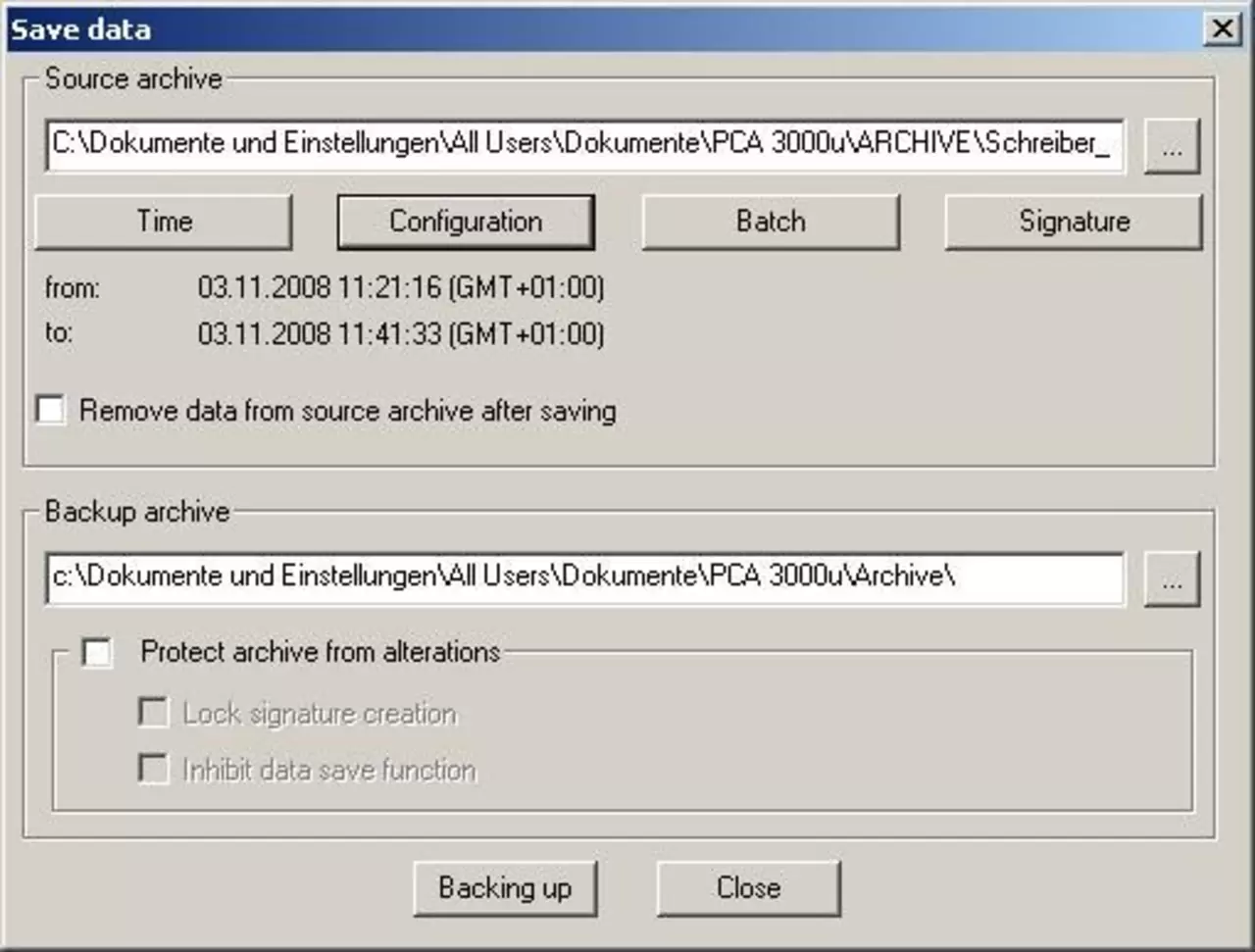
The Save Data function can be used to copy a selected fragment from an archive and transfer it to a new archive. This data can either be copied or deleted from the original archive.
The new archive may contain a specific time range, configuration, batch, or specific signature area.
The current version of PCA 3000 can be downloaded from the Internet. Software updates are free. The license number will remain valid.
Before starting the update, please write down the license number.
Discover JUMO Software-Downloadcenter: powerful tools, up-to-date versions and secure downloads for your automation processes.
Open the download centerTeleservice only works through TCP/IP using the Modbus protocol TCP/IP and does not support the HTTP protocol.
Select the device from which you want to read data in the list of devices. This is indicated by the device name being greyed out.
No, measured data can only be read via the setup interface from devices equipped with a CF card or USB memory. This is not possible for LOGOSCREEN 500 or LOGOSCREEN (devices with disks).
The following devices are compatible:
For the “Read out raw data” function, you can specify the percentage of measured data that needs to be read, or specify the time range of the measured data.
When using the “Retrieve raw data” function, only those measured data that have not previously been read are read.
In addition, the Read out raw data function does not affect the instrument memory alarm. The "Retrieve raw data" function, on the other hand, affects the memory alarm: a possible active alarm will be cleared after the data has been successfully retrieved.
The current version of PCA 3000 can be downloaded from the Internet. Software updates are free. The license number will remain valid.
Before starting the update, please write down the license number.
Discover JUMO Software-Downloadcenter: powerful tools, up-to-date versions and secure downloads for your automation processes.
Open the download center