JUMO LOGOSCREEN 600 601 and 700
Reading measurement data via USB-drive
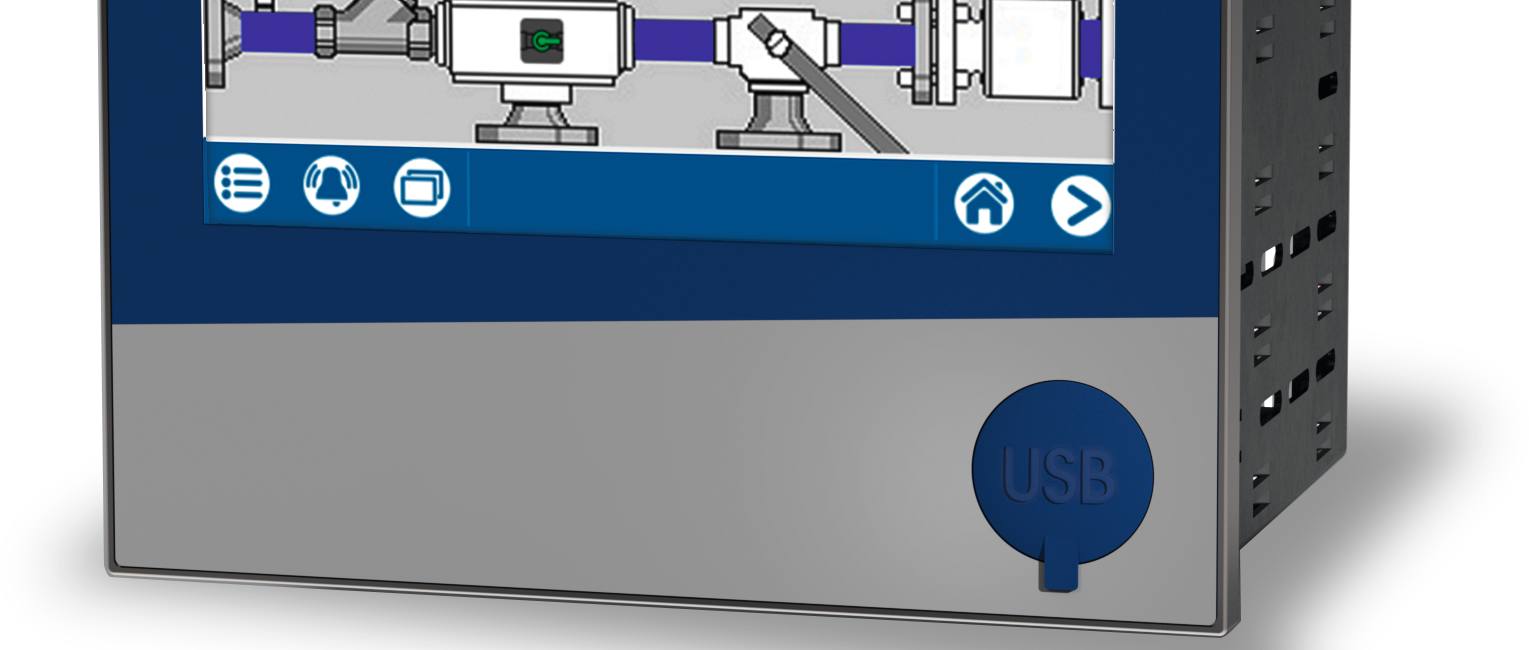
Note: The quality of the USB and USB drive cable affects the correct functioning of the device. It is recommended to use components (accessories) offered by the manufacturer.
Step 1
- Before the USB drive can be inserted into the device, you must log into the device as a “master”.
- In the main menu the user can login.
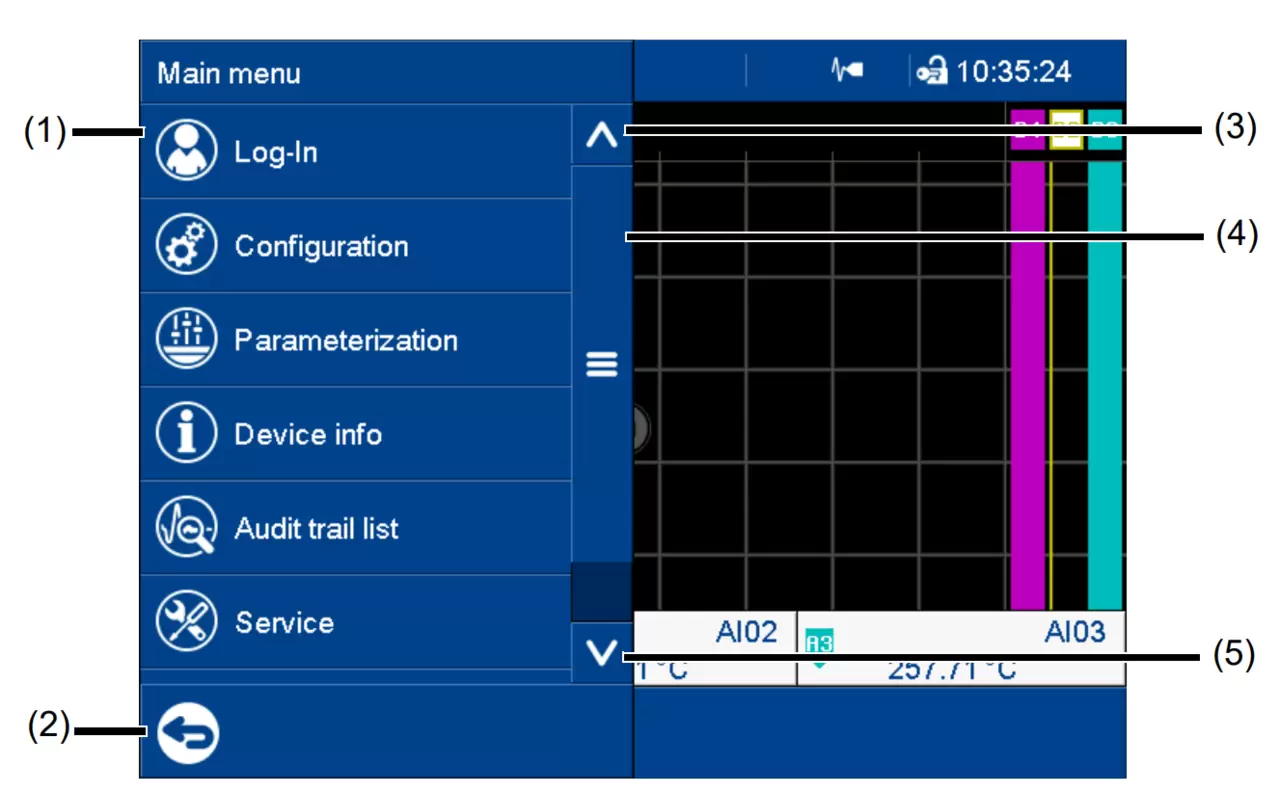
The factory environment looks like this: | |
|---|---|
| User | Benutzer 1 |
| ID | Master |
| First name | System Master |
| Password | 9200 |
Step 2
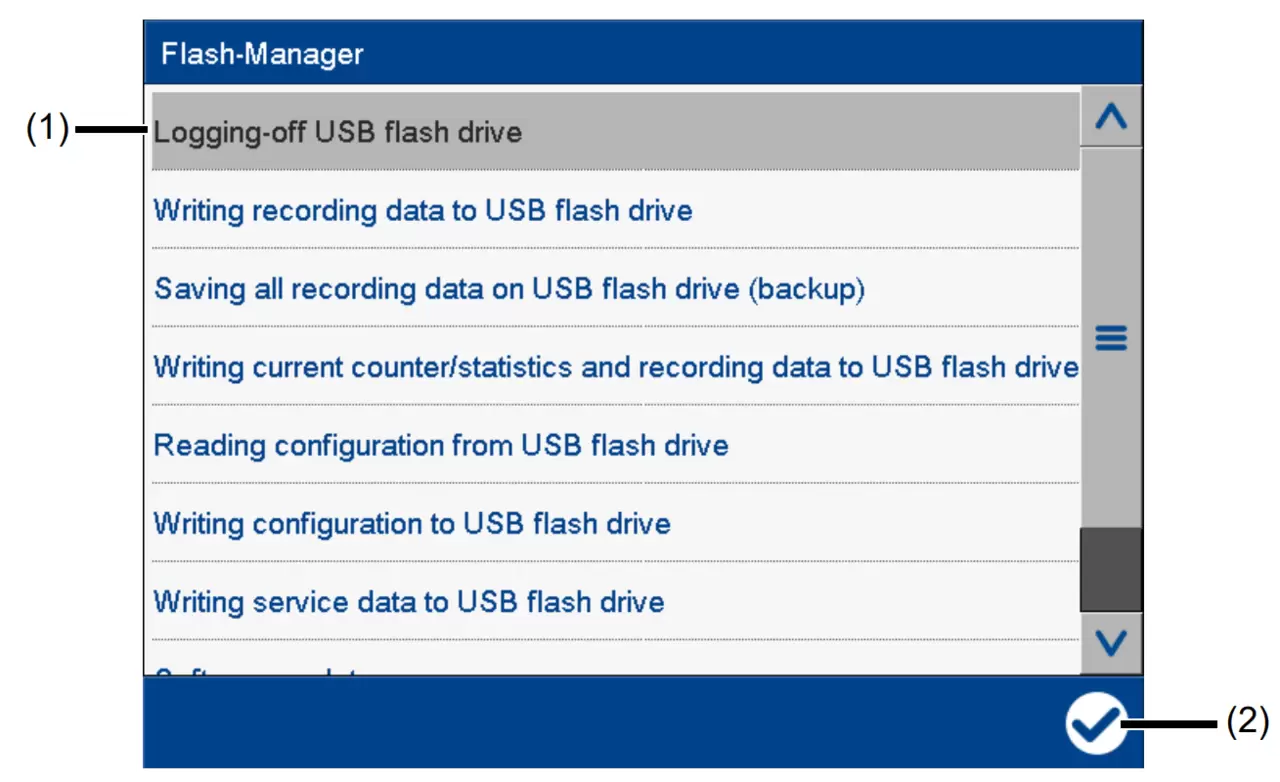
The Flash Manager menu opens automatically when the device is in the home position and a USB storage device (FAT16/FAT32 file system) is inserted into the front socket USB. If the device is in a menu (main menu, alarm/event list, display), the Flash Manager opens only after exiting the menu.
The Flash Manager provides functions to transfer certain data between the device and the USB drive. Which features are available depends on the rights of the registered user or public rights. The selected function is performed by pressing the “Apply” button (check mark).
ATTENTION! Do not remove USB drives without damaging them. There is a risk that data will be lost. Before deleting, be sure to perform the “Exit USB drive” function. Do not remove the USB drive until the message “Hardware can now be removed” appears!
Other Flash Manager Features
Disable USB-drive: Securely remove USB-drive function to avoid data loss.
Write the registration data to the USB memory stick: Registration data that has not yet been backed up is written to the USB memory stick (binding data).
Save all registration data to the USB drive (backup): All registration data that is still available on the device (including those that were previously backed up) are transferred to the USB drive (backup data).
Device version 01: If the function “Write registration to USB drive” is then executed, only the newly added registration data is transferred to USB drive.
From the device version 02 the user can select the time range from which the registration data is saved. The time range is the specific start time displayed and updated. Here the user can also select any start time in the past. Through the additional option "Save meters/reports" you can save the current states of meters and integrators, as well as statistics, even if they are not yet completed, along with registration data.
Our services for you