4.19.20250806
4.19 Update from 2025-08-06
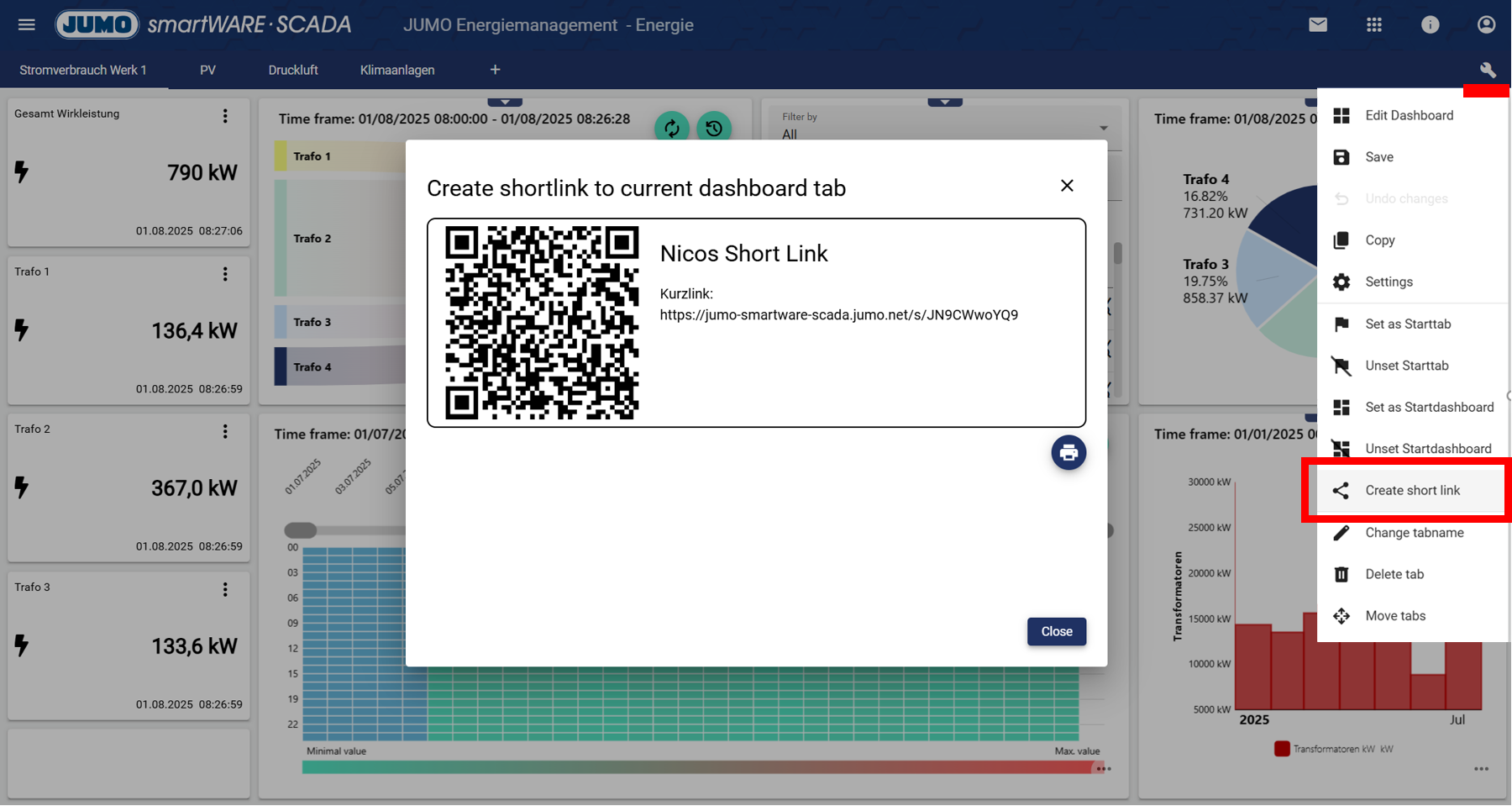
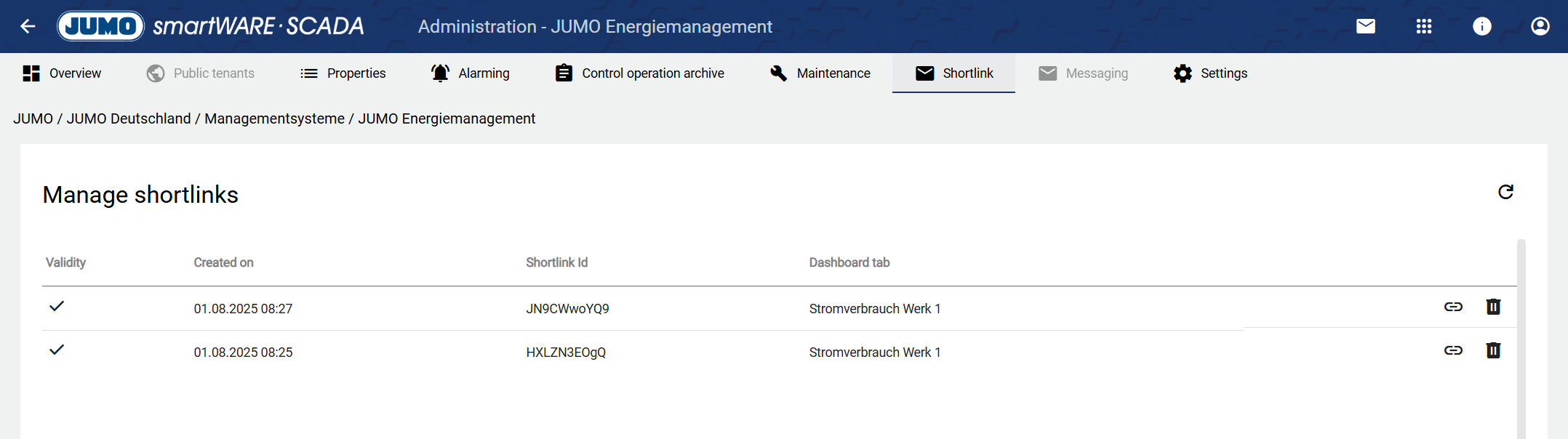
1.) Short links with QR code
Short links with QR codes can now be created and managed via the platform. The link always leads to the corresponding dashboard tab, even if tenants or tabs are moved. The advantage for customers is that they can attach these to attachments to give people quick access to the relevant dashboard tabs.
2.) Send internal notifications
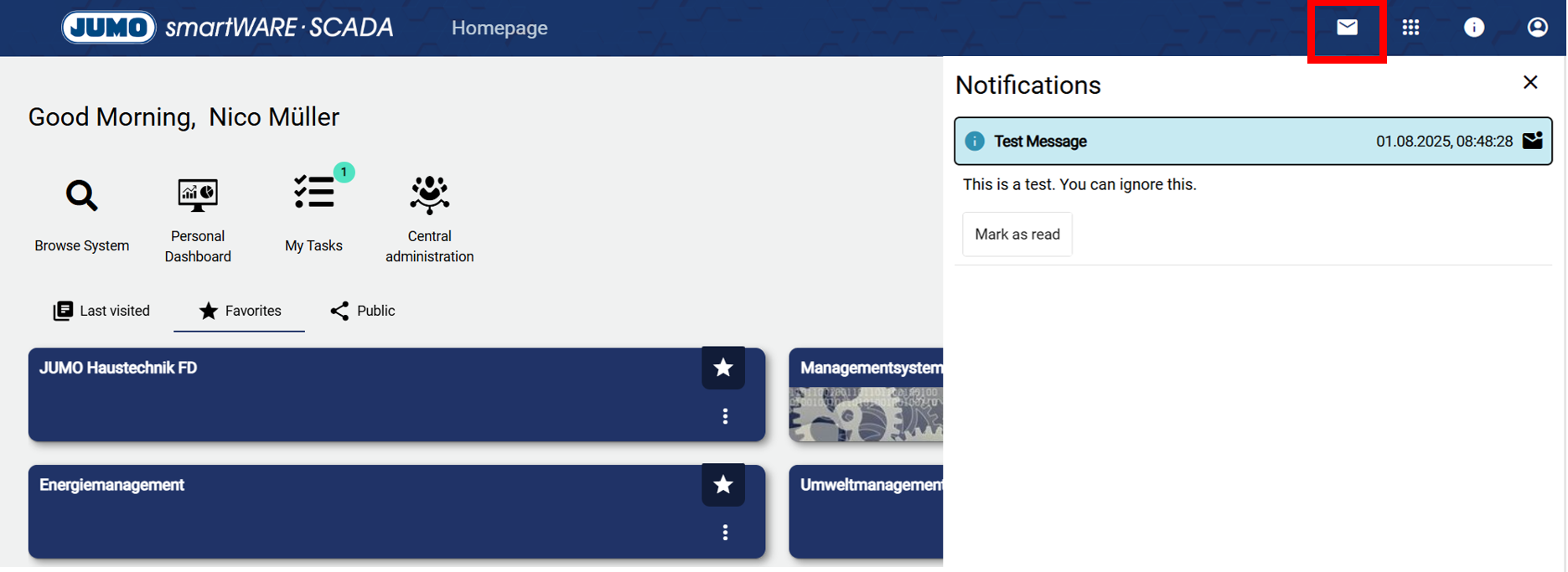
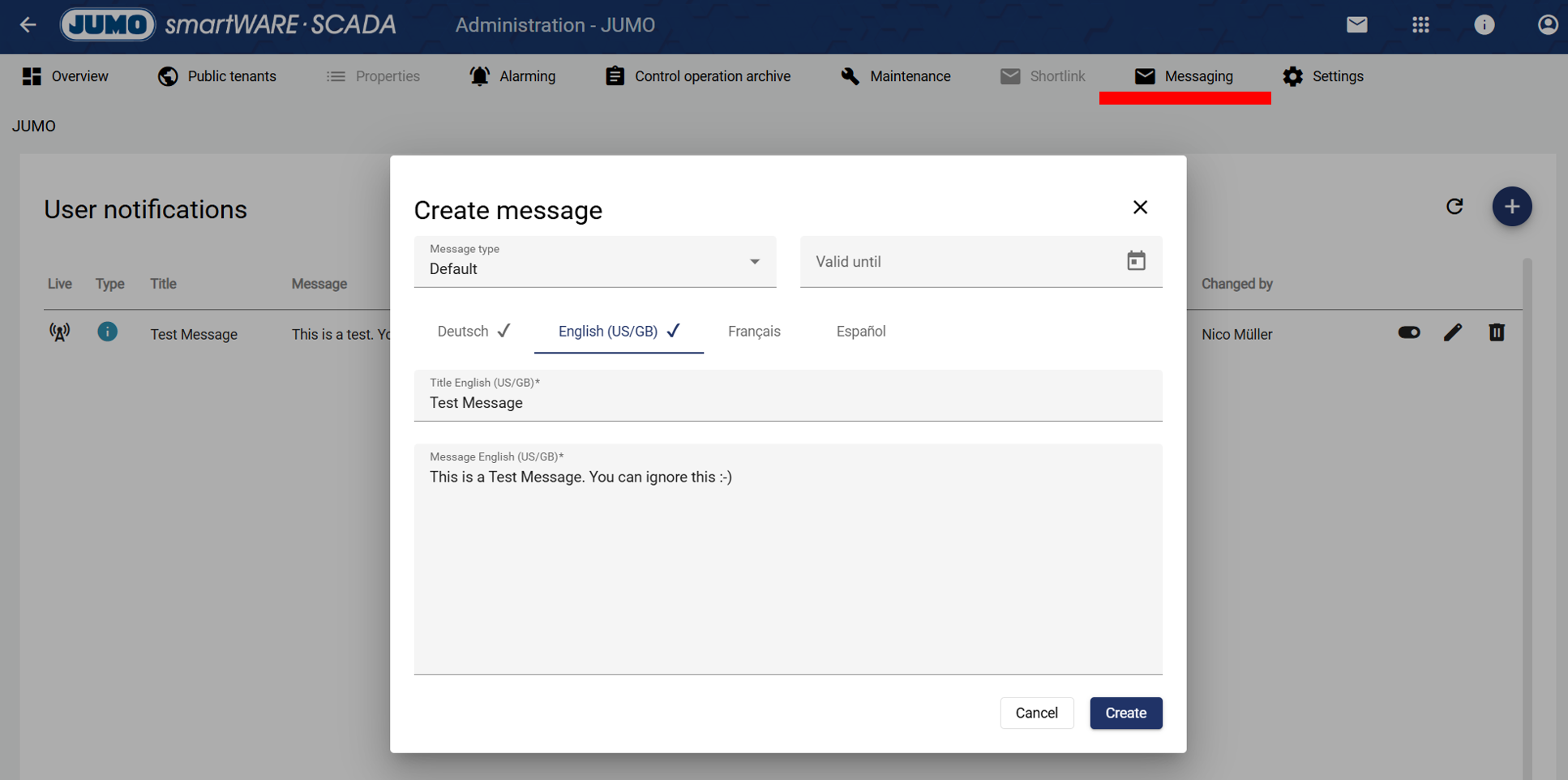
Starting with this version, multilingual notifications can be sent to all users within the application. After sending, all users receive a message confirming the new notification via the newly added mail icon in the header. This feature allows administrators to send information, updates, maintenance notices, and more.
The notification can only be created in the top tenant. An email is not currently sent.
3.) Synchronization of individual entities
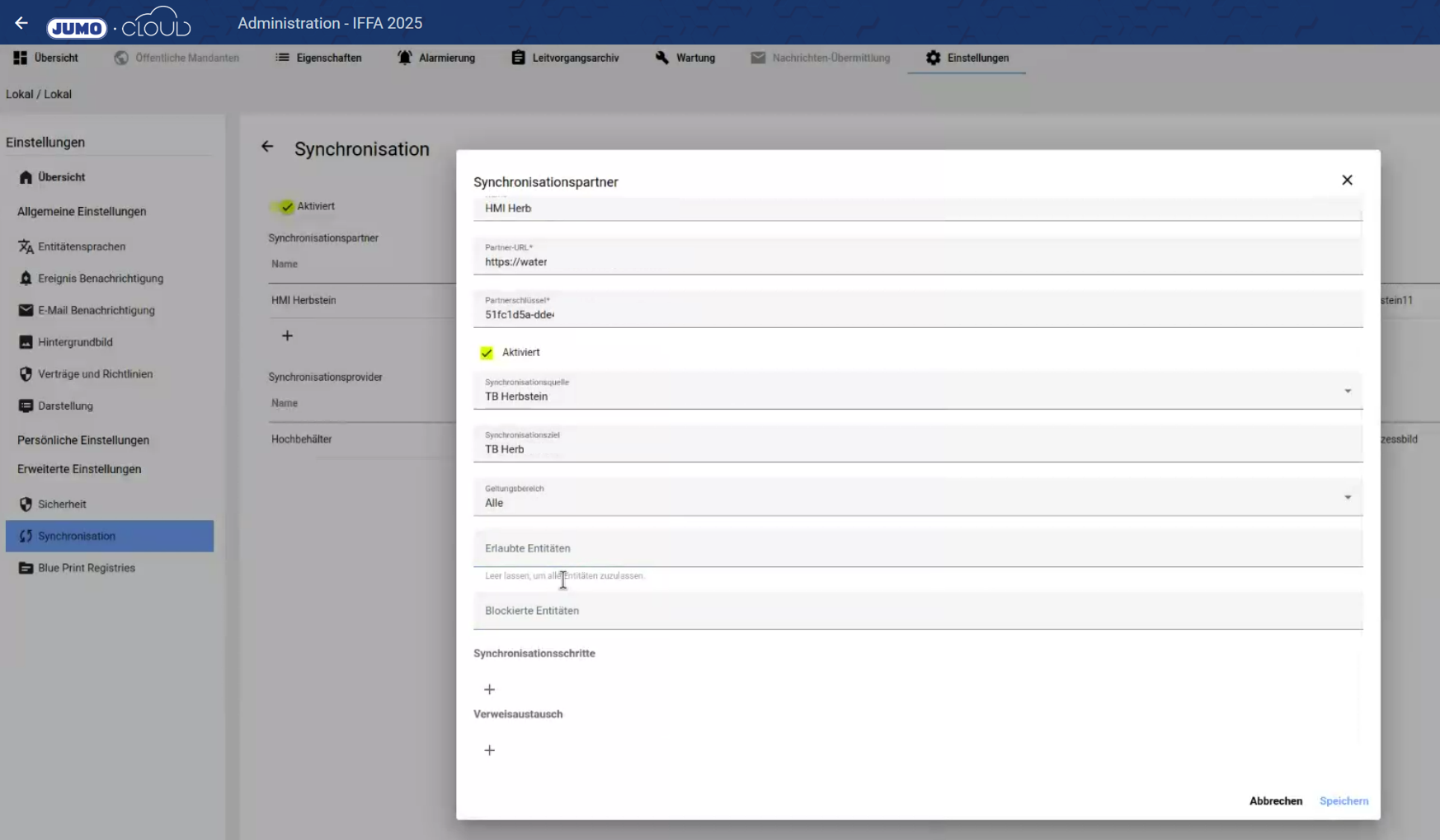
Individual elements from the configuration (e.g., only an alarm plan) can now be synchronized with another instance: e.g., Cloud → SCADA or SCADA → SCADA or SCADA → Cloud.
Here is the link for more information: Synchronisation
4.) Office 365 can be integrated as a mail server (SCADA)
A mail server from Office 365 can now be integrated for alarms.
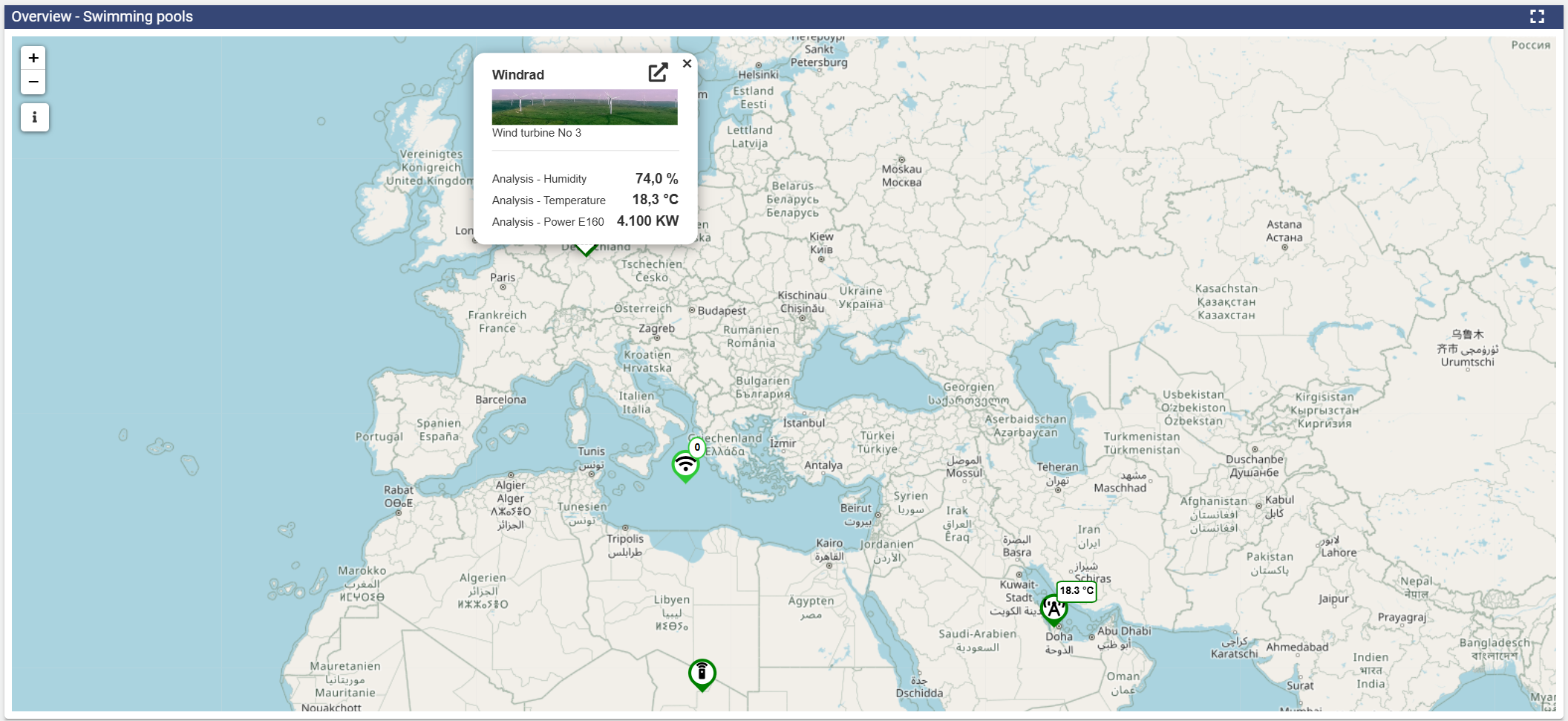
5.) Optimization of the Widget: Basic Map and the Widget: Event Path Map
-
A performance increase leads to faster loading times
-
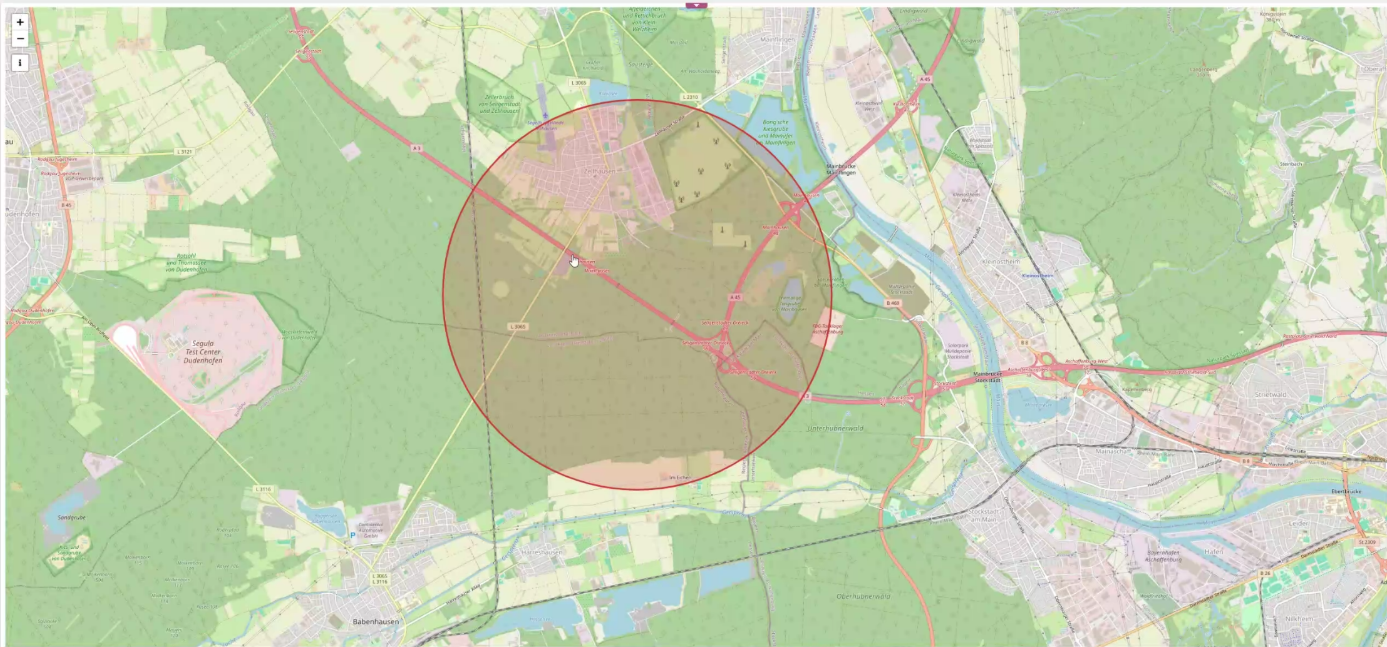
The position monitoring can now be displayed in the “Widget: Basic Map”.
-
Red circle → Event not active
-
Green circle → Event active
-
Gray circle → Event not activated
-
-
There is now an automatic zoom so that everything always looks good. It is no longer necessary to adjust the zoom in the widget.
-
The Central time control can now also be used with the Widget: Event Pathway Map.
6.) Create dashboard tabs in the dashboard
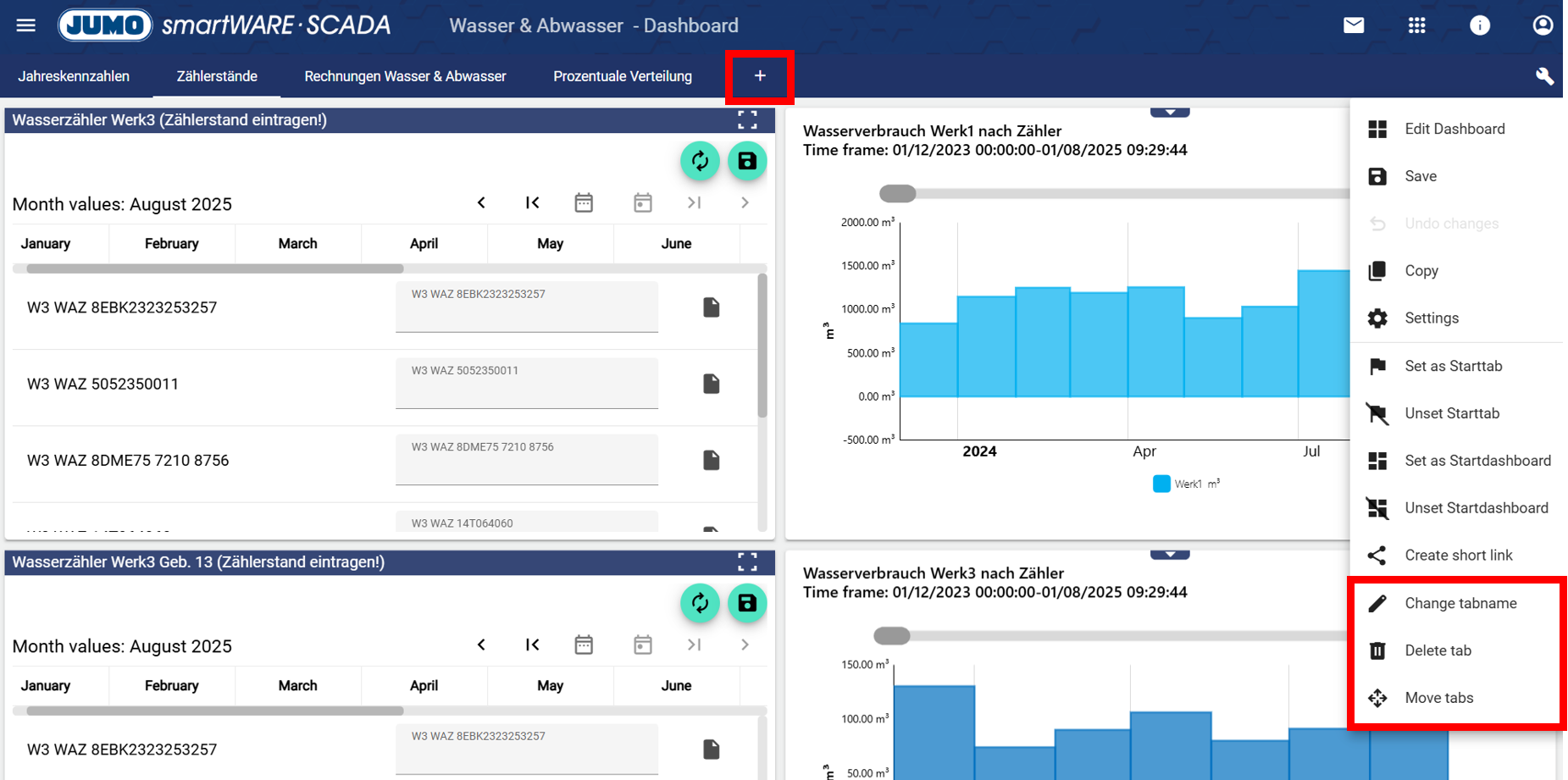
Dashboard tabs can now be created directly in the dashboard itself. It is no longer necessary to switch to “Configuration.”
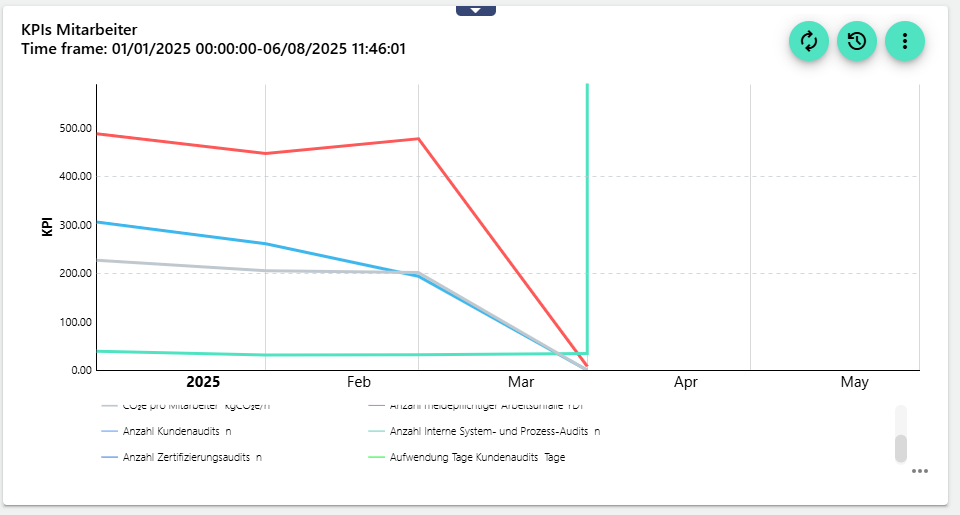
7.) Optimization of legend in Widget: XY-Chart
The legend in the Widget: XY-Chart is now scrollable during intensive use (many signals). Previously, it was not always displayed optimally.
8.) Other important features
-
JUMO Animator: “Signal conditions” can now also be selected directly. It is no longer necessary to always create an event that is then used.
-
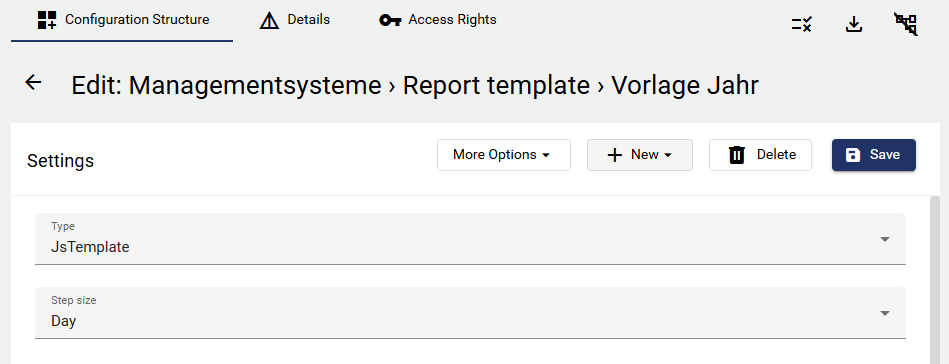
Set “step size” of reports in the template: The step size of the reports (day, month, year) is now no longer defined in the widget, but in the report template within the configuration. This saves time, as it usually depends on the report type anyway.
REST API extended to include groups: The REST API has been extended so that you can now quickly receive signals from an entire group.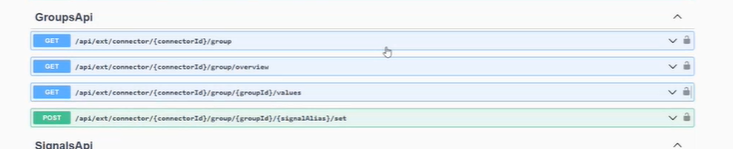
-
Alarm acknowledgment feedback in the browser: When an alarm is acknowledged via email, feedback is now displayed in the browser in the respective language.