Data source
A Data Source is the point of origin at which data is generated. It usually corresponds to an Edge Gateway in the JUMO variTRON. It is important that only one JUMO variTRON is used for each Data Source, otherwise this can lead to unwanted results in the recording.
In this part of the application, you can edit your already created Data Source or create a new Data Source, e.g. a "JUMO variTRON 500".
-
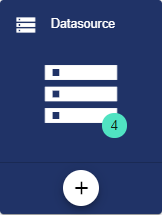
By selecting the "Data Source" button, you can edit a Data Source that was created earlier. A new Data Source is created via the Plus button.
-
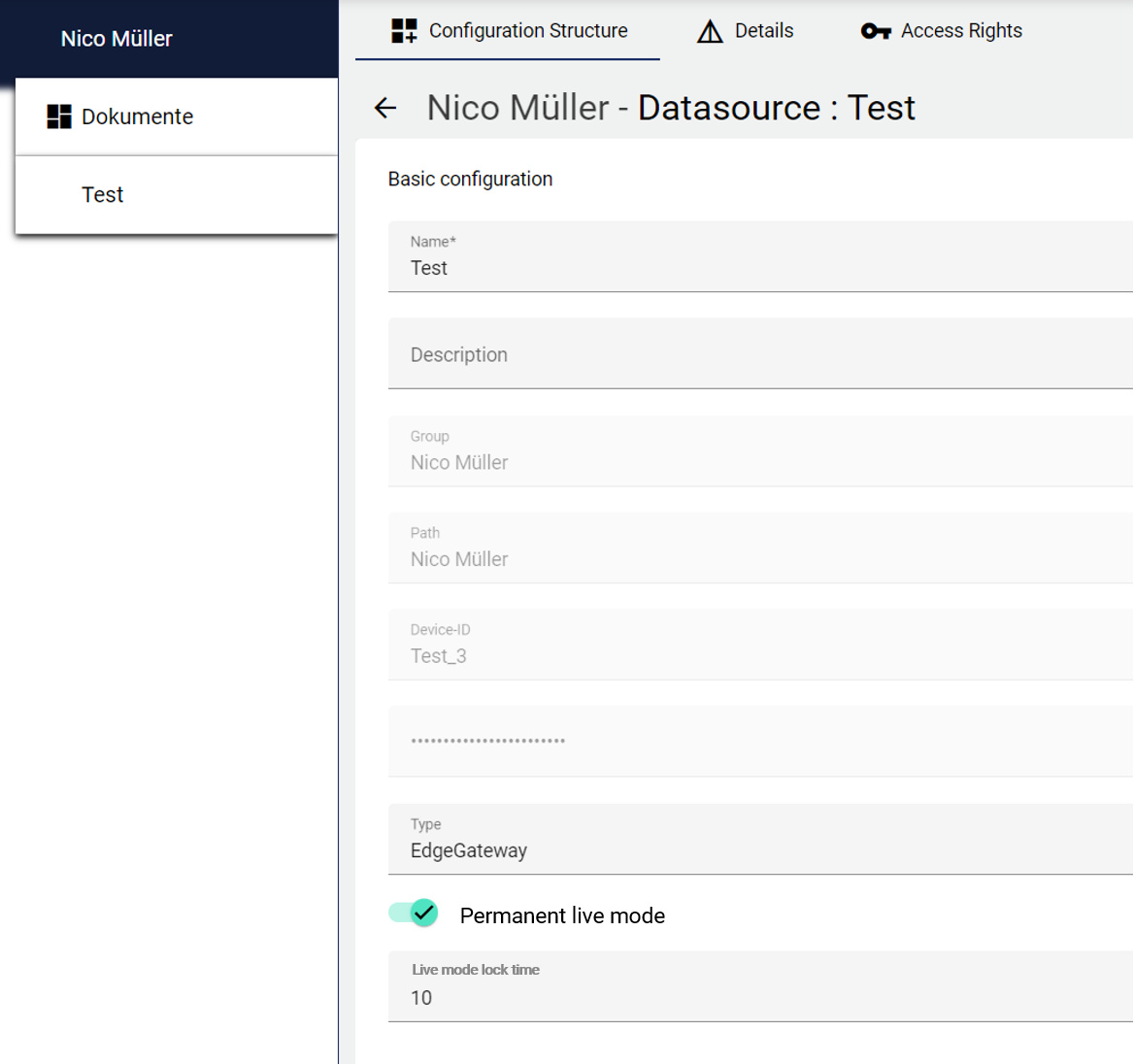
Assign the name of the Data Source in the Basic Configuration. The Description field is optional. The "Group" field shows the Client in which this Data Source was created. The path is generated automatically by the system.
-
After entering the name, you must save it.
-
The device ID and password are then generated automatically. This information is required so that the JUMO variTRON can authenticate itself to the JUMO Cloud.
-
You can choose between EdgeGateway (standard JUMO variTRON), SmartDevice (standard for Smart Device Wizard), or DataAdapter (expert mode) as the data type. For expert mode, please contact your JUMO representative.
-
The “Permanent live mode” has two possible statuses: Active: Live data is sent to the IoT system every second. Inactive: Live data is sent together with historical data. (Setting can be customized via signal configuration)
-
If live mode is active, a “Live mode lock time” appears below. This specifies the transmission interval at which live data is sent.
Interactions
Interaction is only possible if the JUMO variTRON has already been set up and is ready for use.
The timestamp indicates when the Data Source was last accessible.
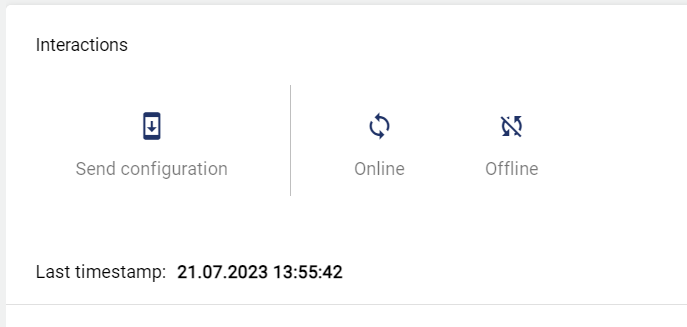
"Send Configuration" is used to transfer changes or new configurations to the JUMO variTRON.
-
Online: Causes the Data Source to send values outside the set Transmission Intervals. These values, sent outside the transmission interval, are displayed in the interface but not historicized.
-
Offline: Causes the Data Source to send values within the Interval.
Communication Failure

-
Check the Activated box to enable the Communication Fault function. This can then be used in the Event Definition.
-
The maximum offline time determines when the Event is to be triggered.
References
All references to this Data Source are displayed in the References.
AuditLog
The AuditLog is a change log that transparently shows how the object was changed. For some objects, it also shows which target values were set by a specific person. Power users can use the button on the right-hand side to get a detailed view of exactly what has been changed in the configuration.
The AuditLog can be used to quickly trace what happened to the object last. It corresponds to an extract from the Control Operation Archive.