
FAQ Paperless recorders
Answers to your questions about the product JUMO
What you need to know about an Ethernet connection
Contents
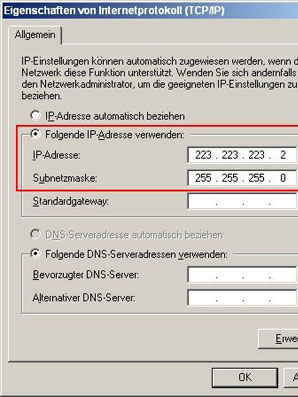
With what configuration can I test the connection?
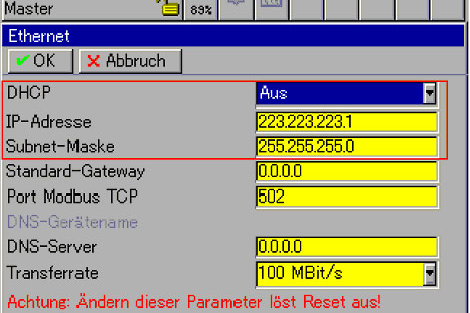
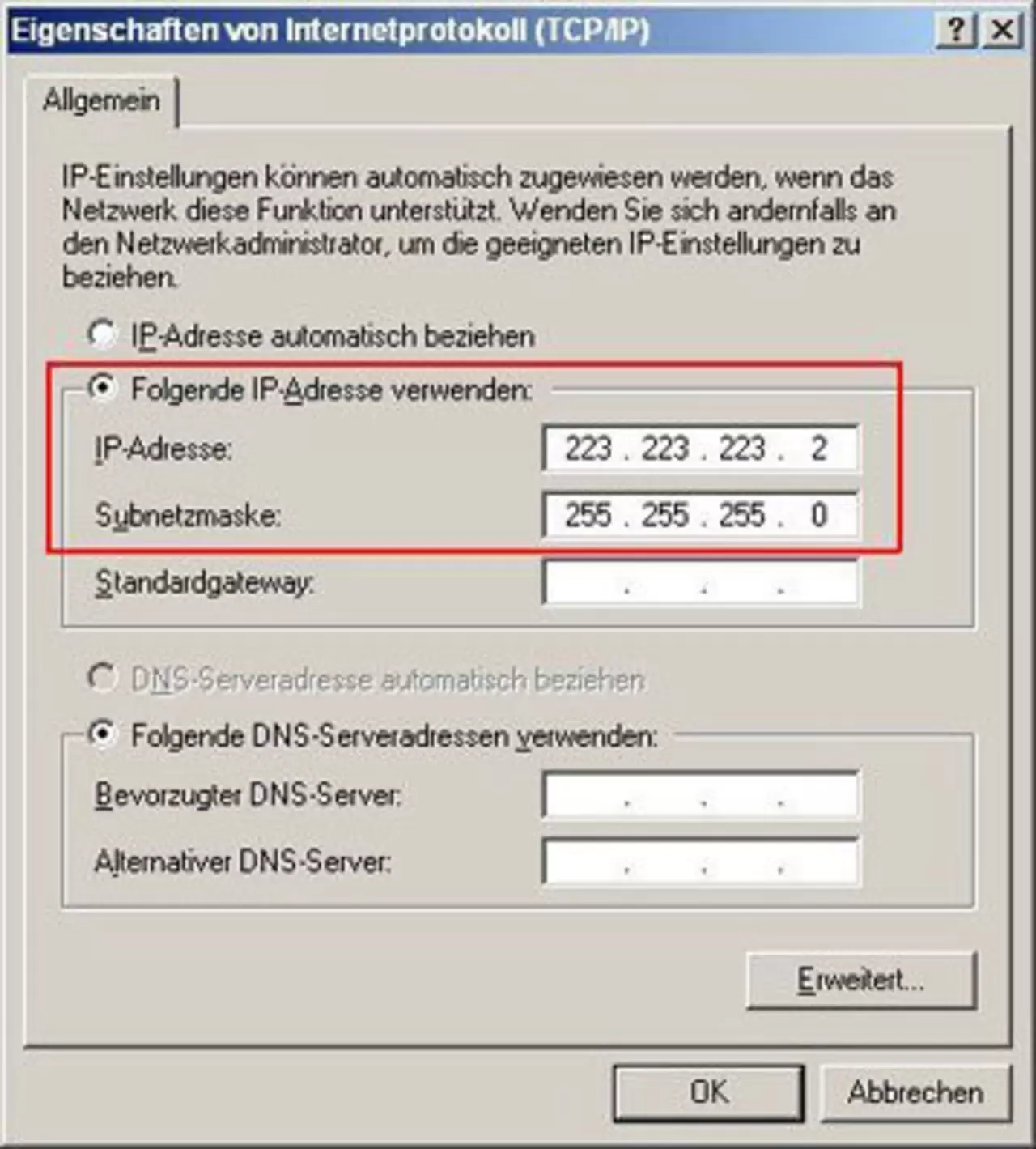
The following configuration is for testing a point-to-point connection.
The IP address must be different in the last octet.
What does "ping" mean and how is it done?
- The console is accessed via Start, Run and entering CMD.
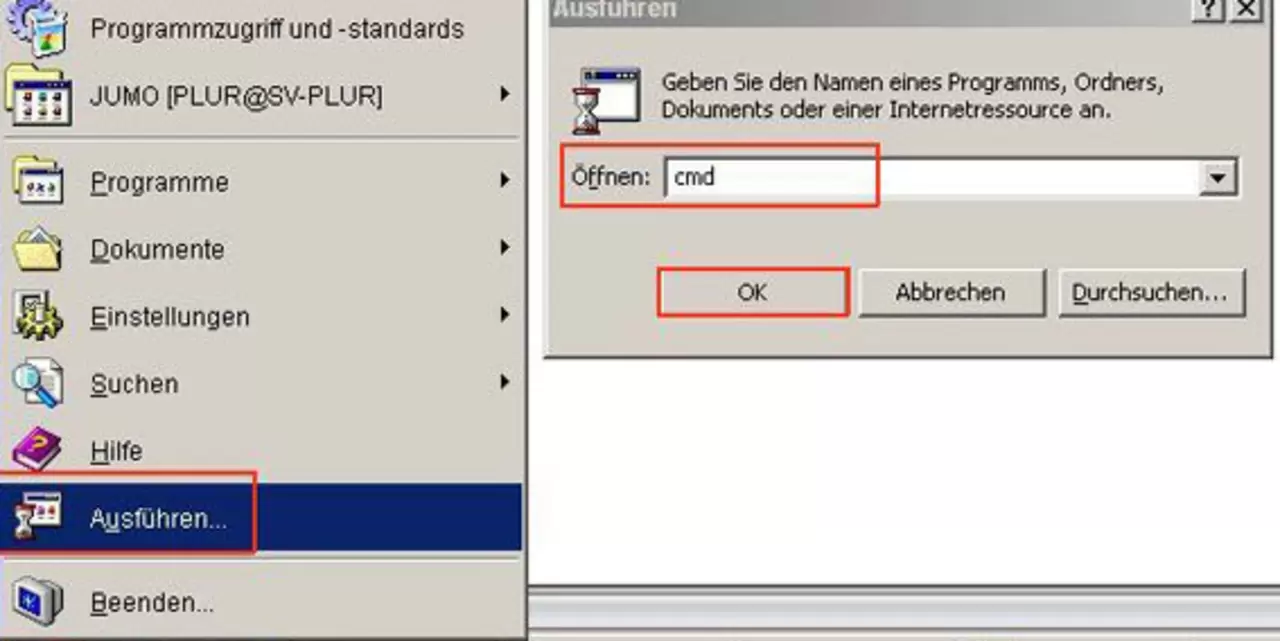
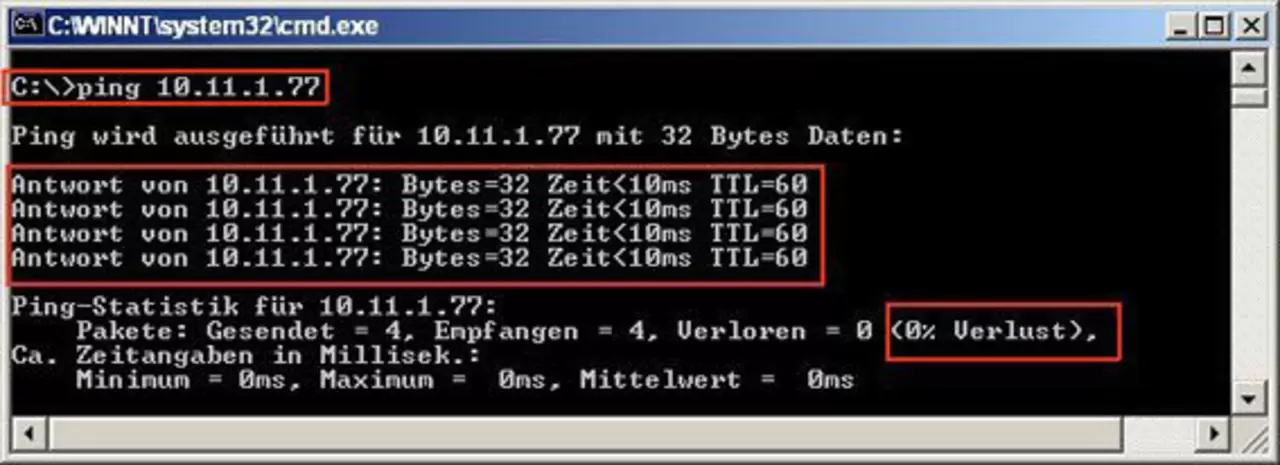
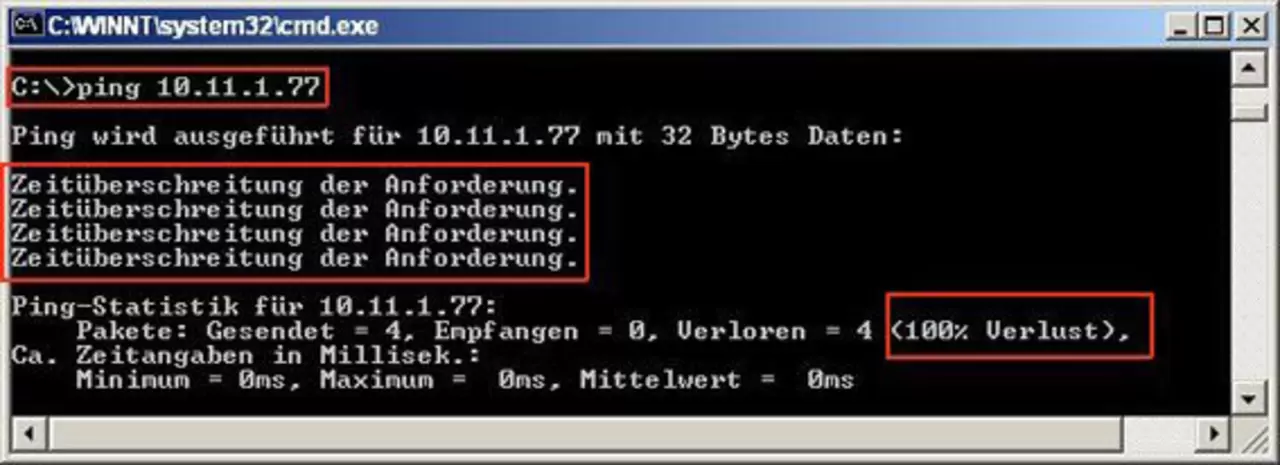
The command syntax consists of: PING space IP-address, for example ==> ping 10.11.1.77
The service must be enabled and supported by the network.
The firewall must allow this command and, if necessary, should be disabled for the duration of use.
Ping can be used to verify that JUMO LOGOSCREEN nt is properly connected to the network.
To do this, you need to know the IP-address or host name of the device.
If the hostname is known, the command PING can also be sent to it.
The command syntax consists of: PING space hostname, for example ==> ping jumogeraet
1 from 2
What is the meaning of the LEDs on the network card JUMO LOGOSCREEN nt?
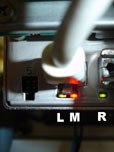
Network card status LED and its meaning
Left LED (green):
Network speed
enabled ==> 100 Mbps;
off ==> 10 Mbps
Middle LED (red):
communication and activity LED
off ==> no connection;
enabled ==> connection available;
blinking ==> there is a connection and activity on the line
Right LED (green):
operating mode
enabled ==> full duplex;
off ==> half duplex
Which connecting cable should I use in which case?
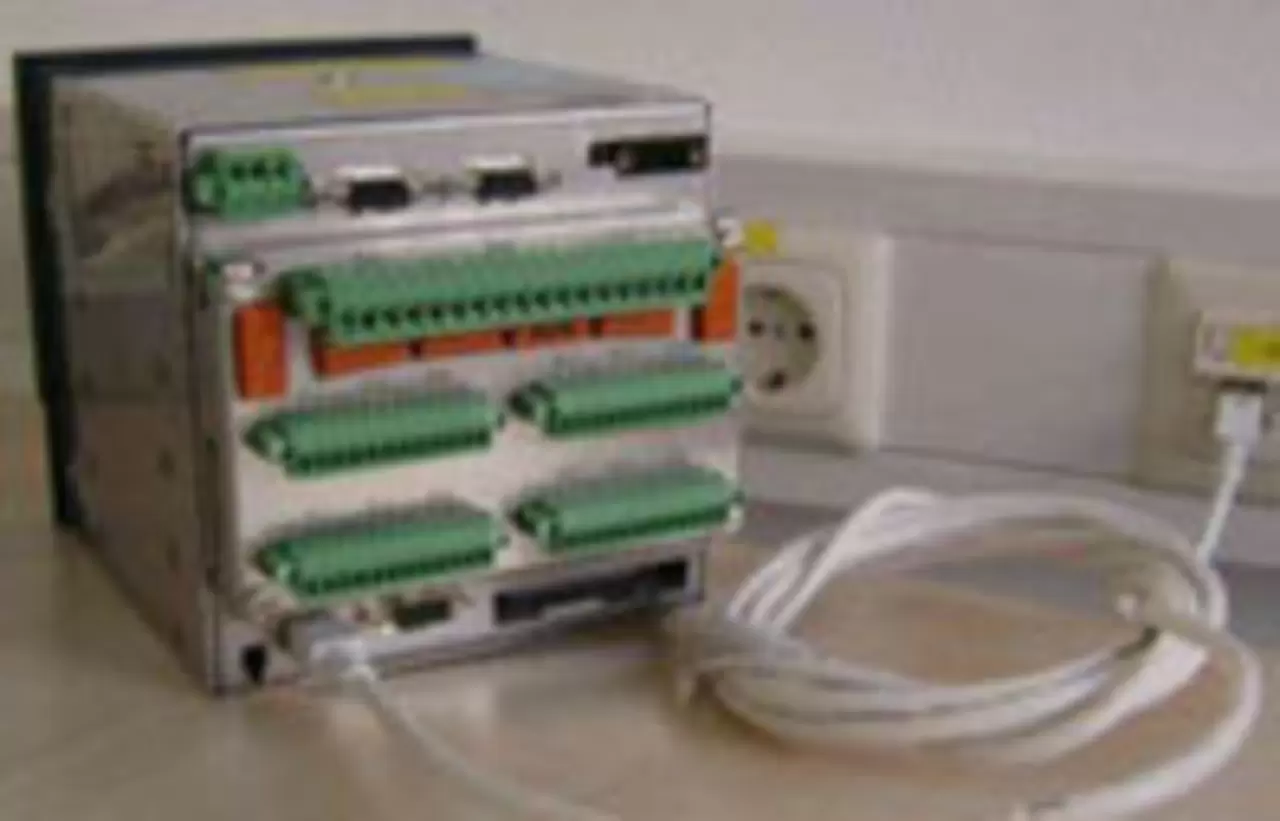
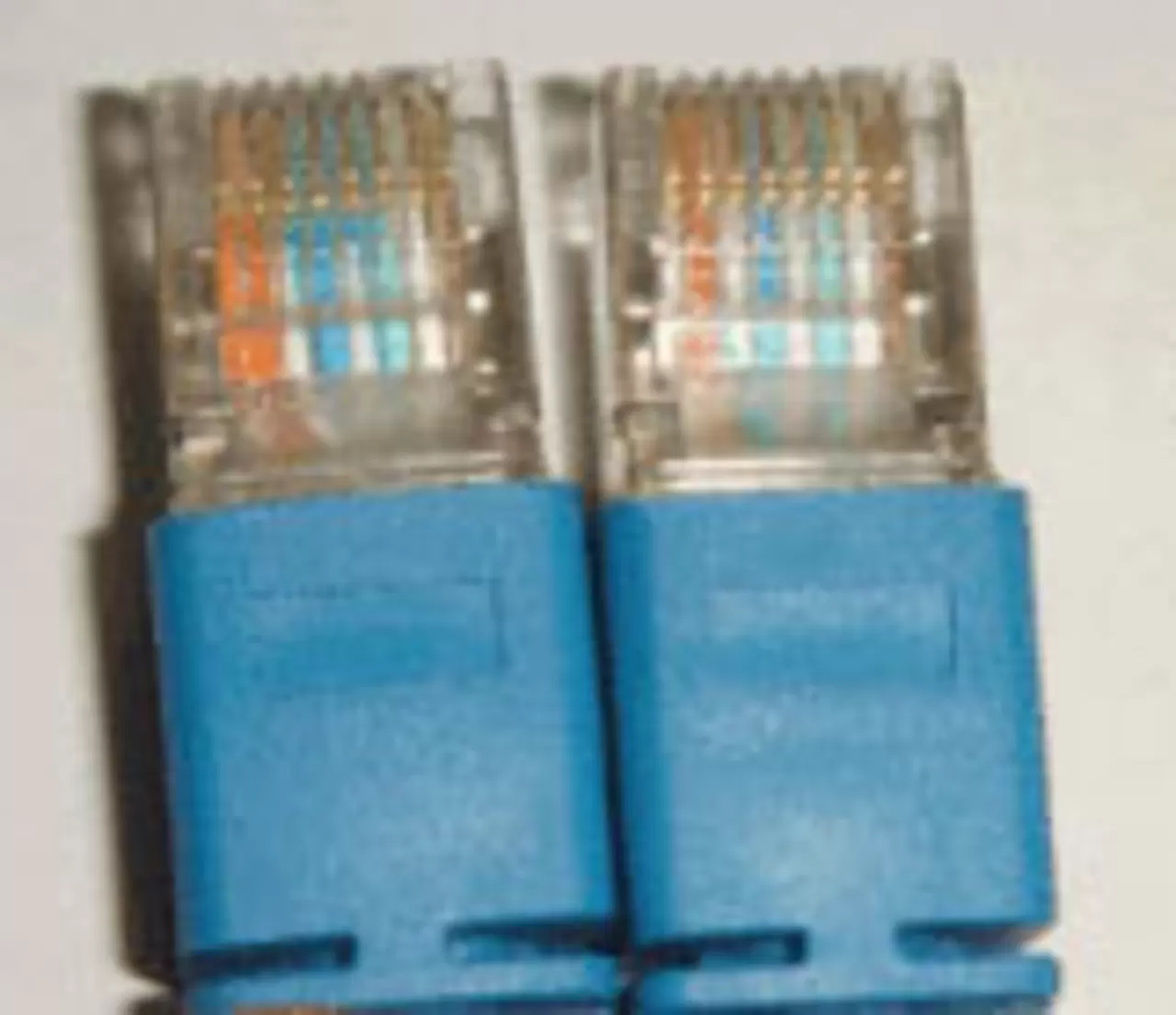
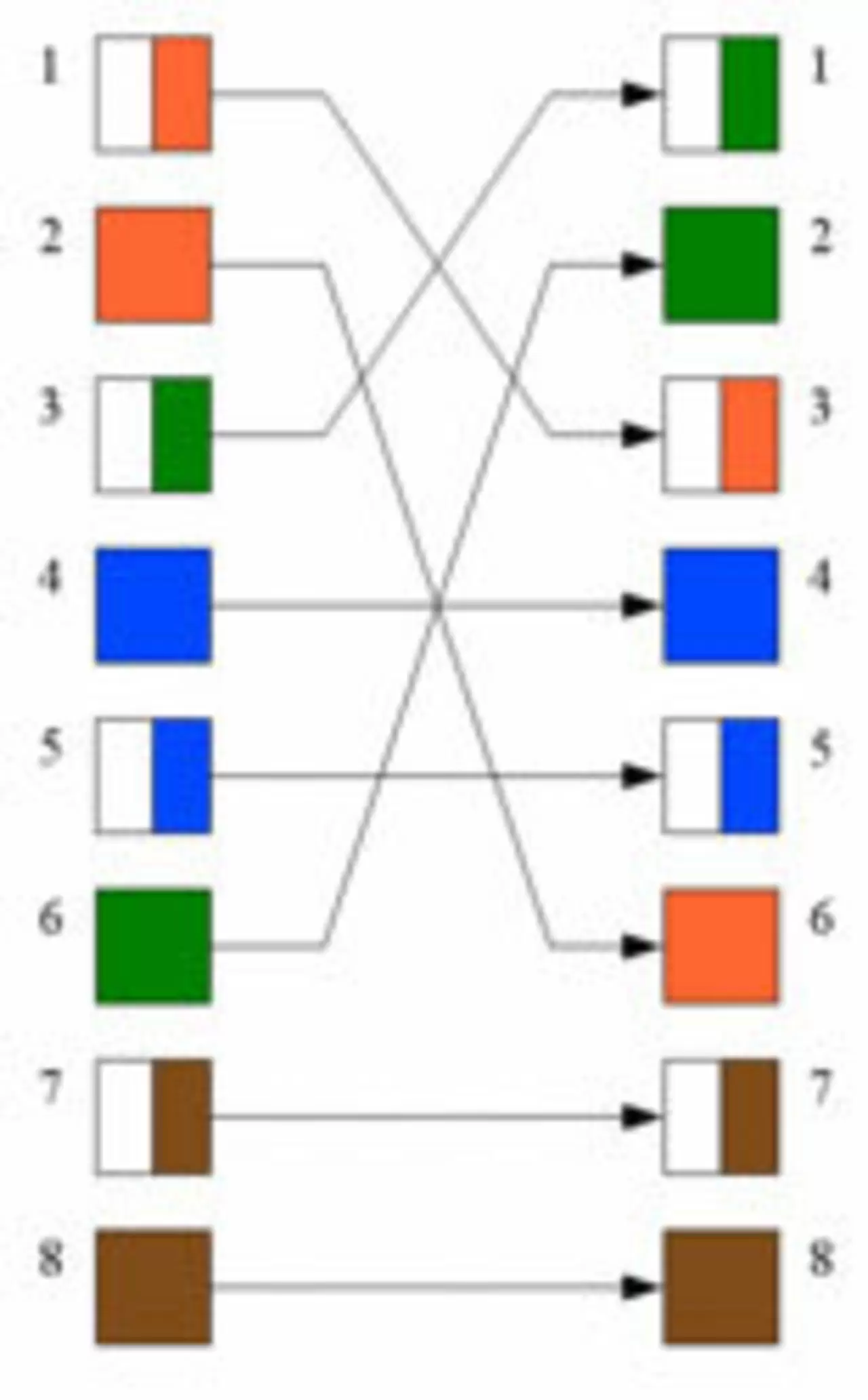
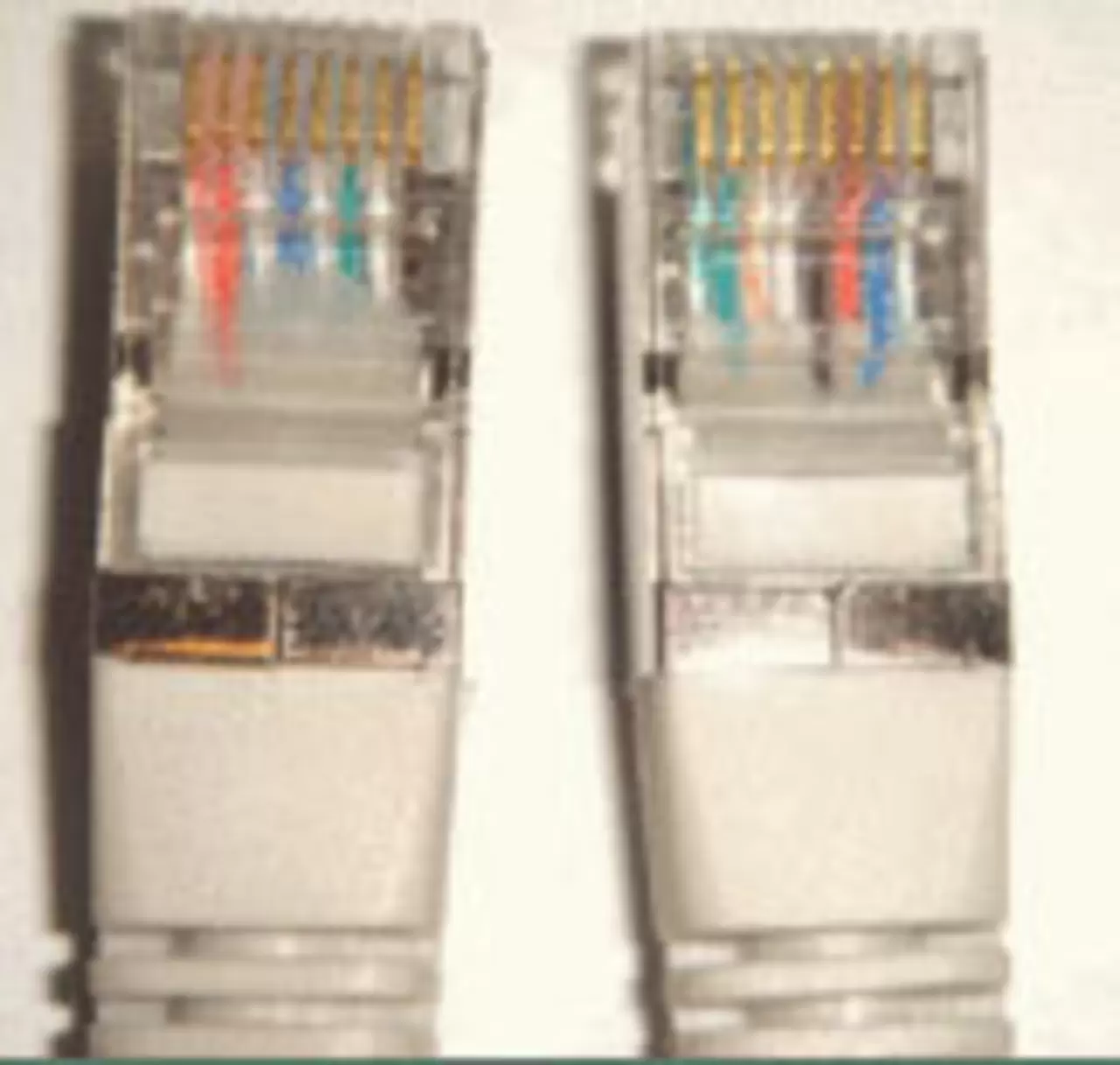
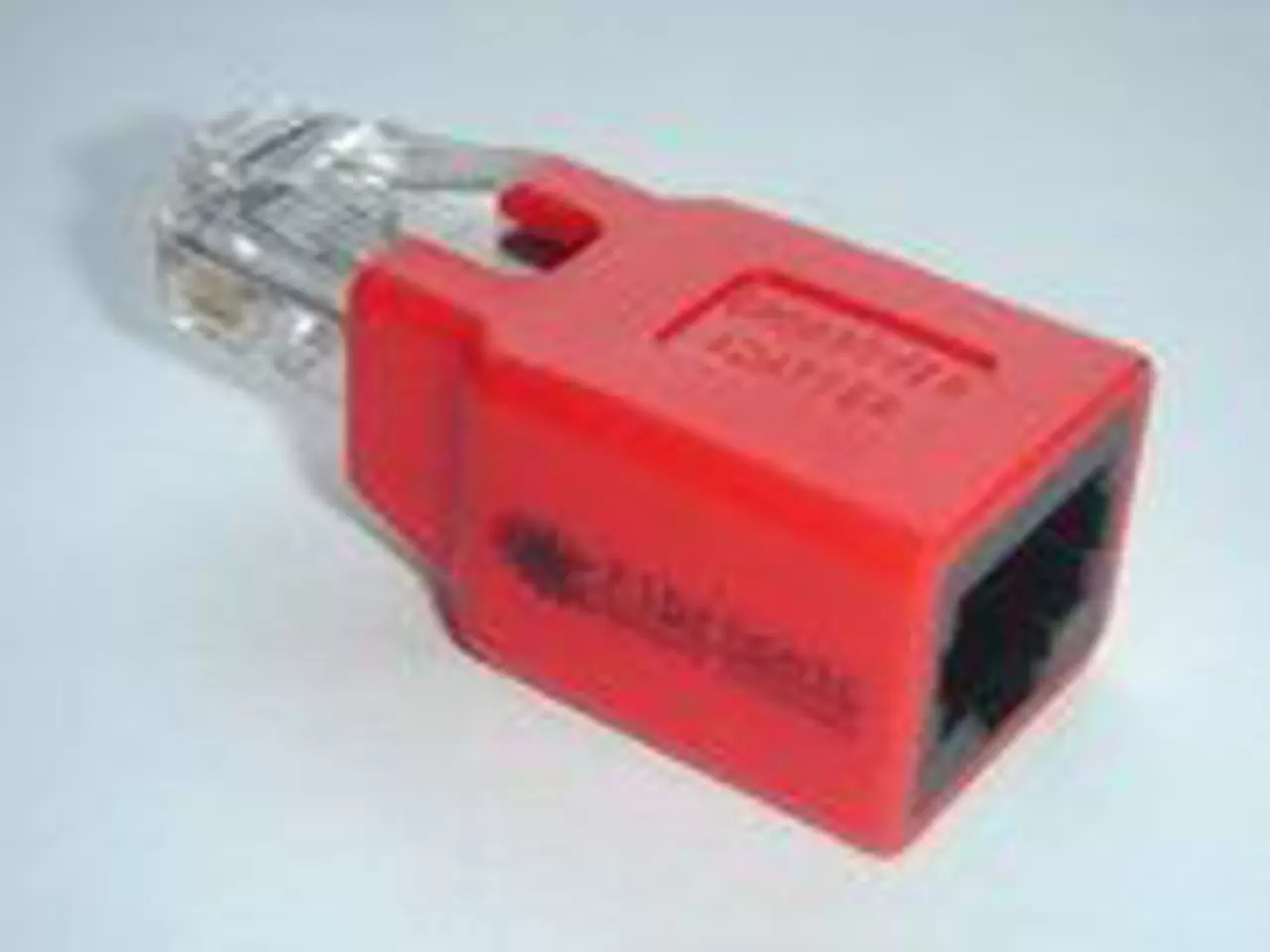
How to properly configure the Ethernet interface JUMO LOGOSCREEN nt?
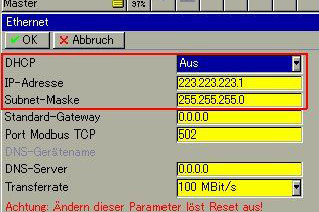
a) There is no DHCP server on the network.

b) The router functions as server DHCP.
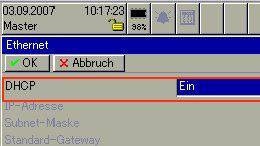
After turning the power off and on again, JUMO LOGOSCREEN nt automatically obtains a free IP address from the assigned range.
Since the registrar usually works with a fixed IP address, access to it becomes impossible. In many cases, the IP address also changes when the power is turned off and on again.
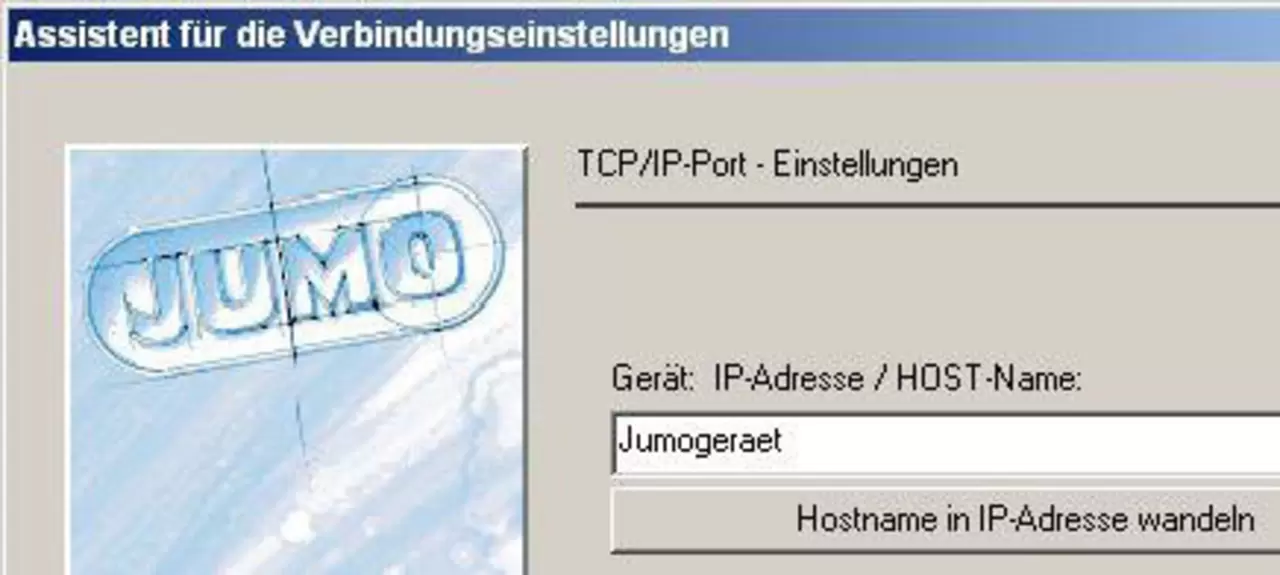
For this reason, DHCP should only be used in combination with DNS. The device is named HOST. The DNS server supports mapping HOST names to IP addresses.Application programs JUMO can run under the name HOST.

1 from 2
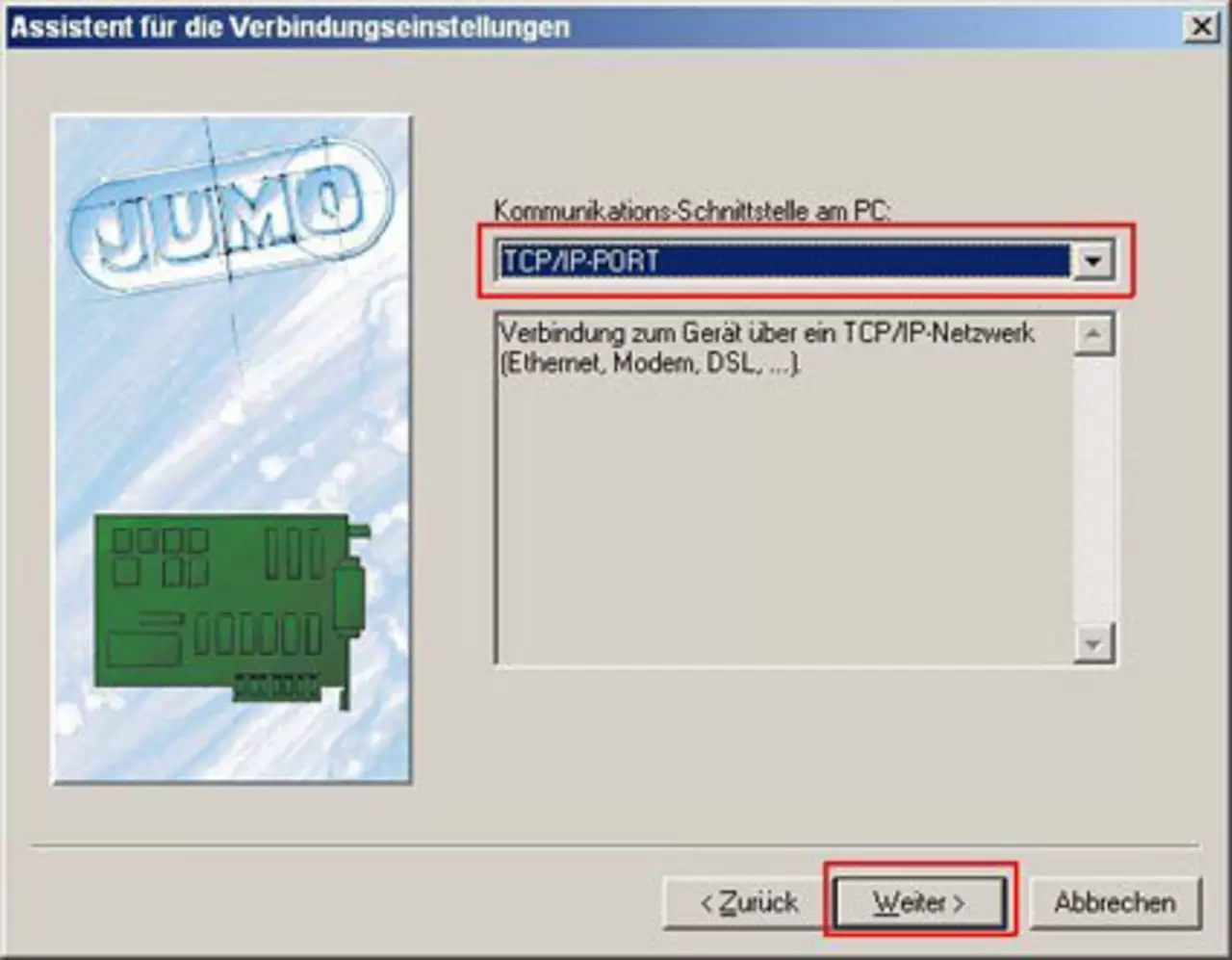
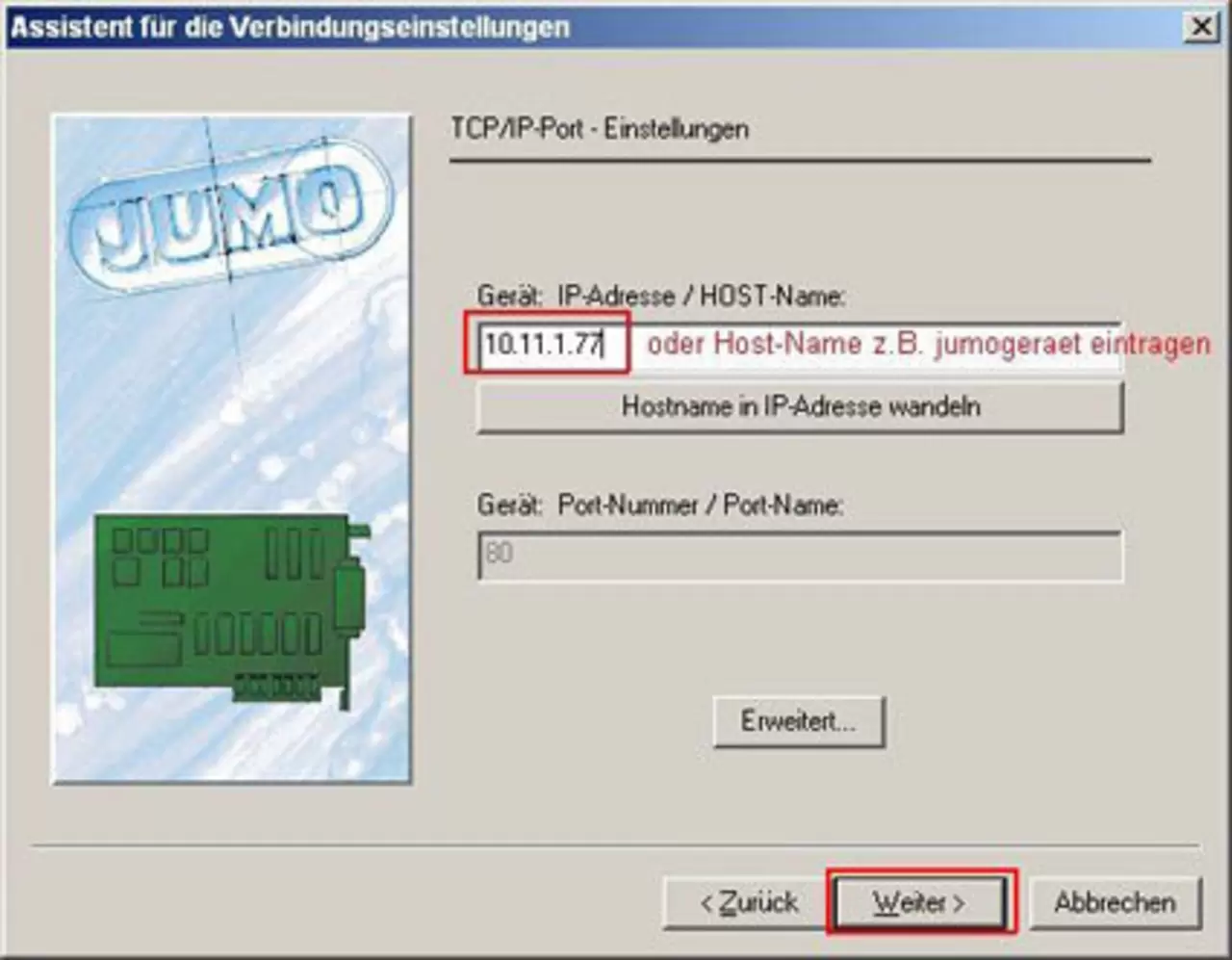
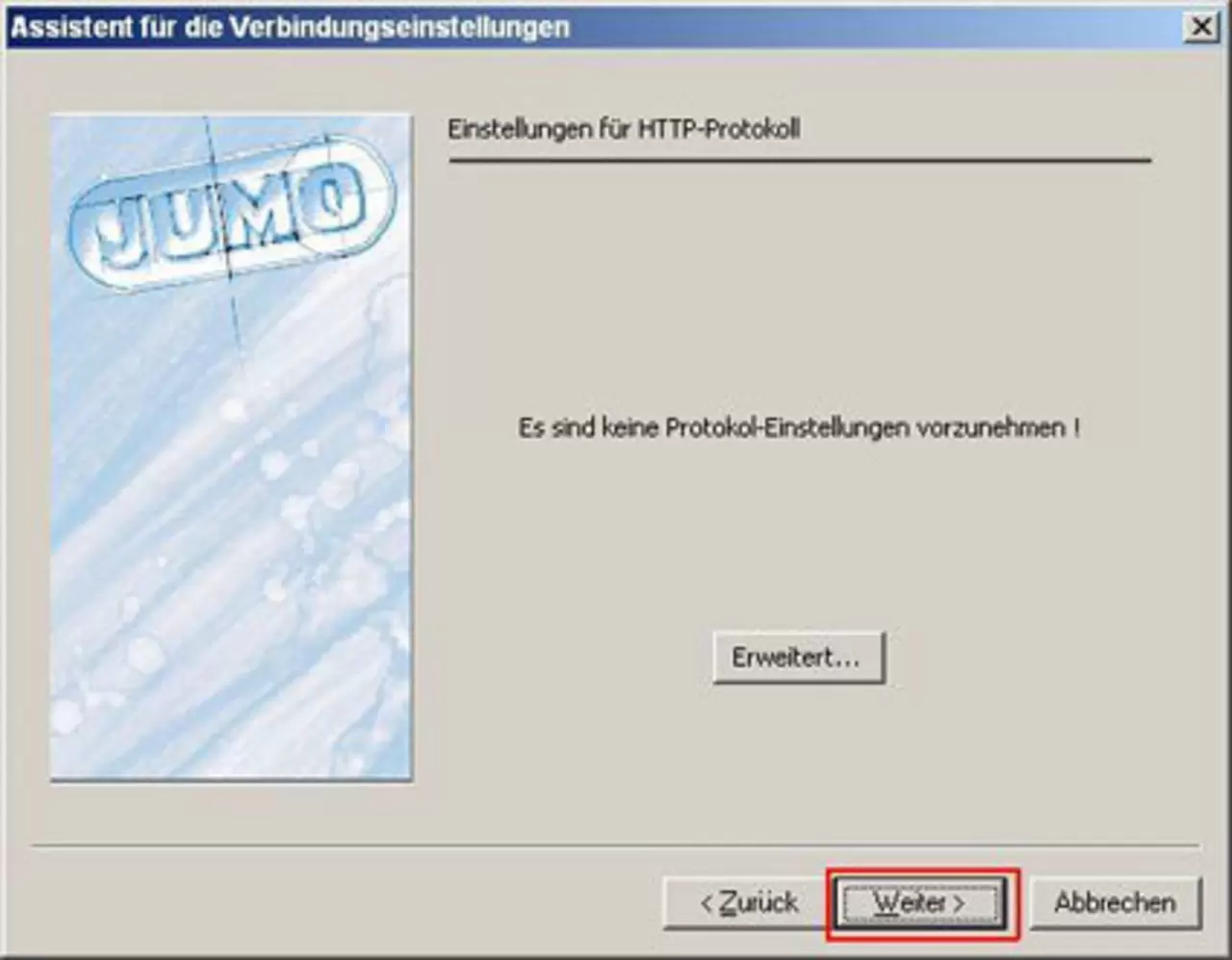
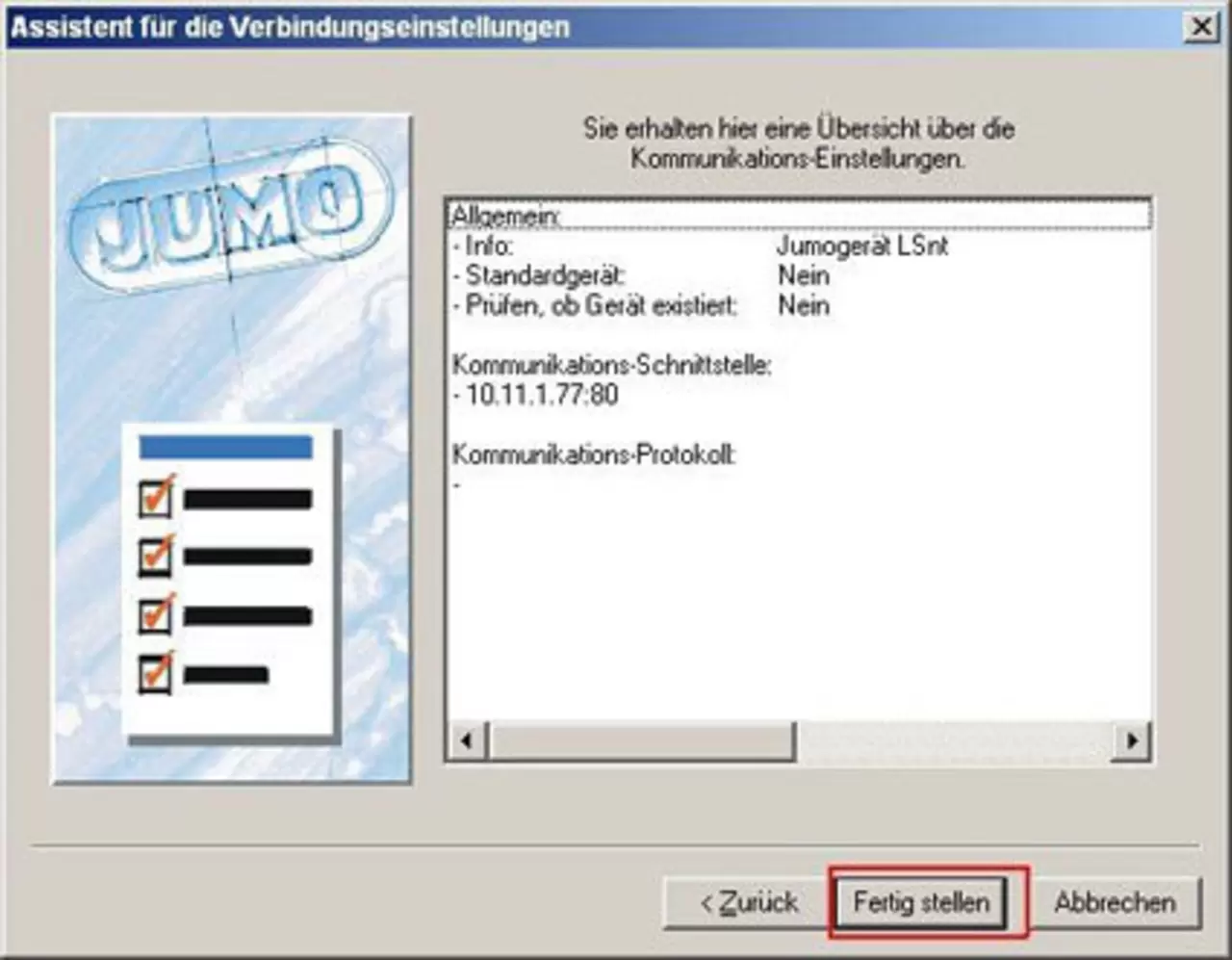
How do user programs create an entry in the device list?
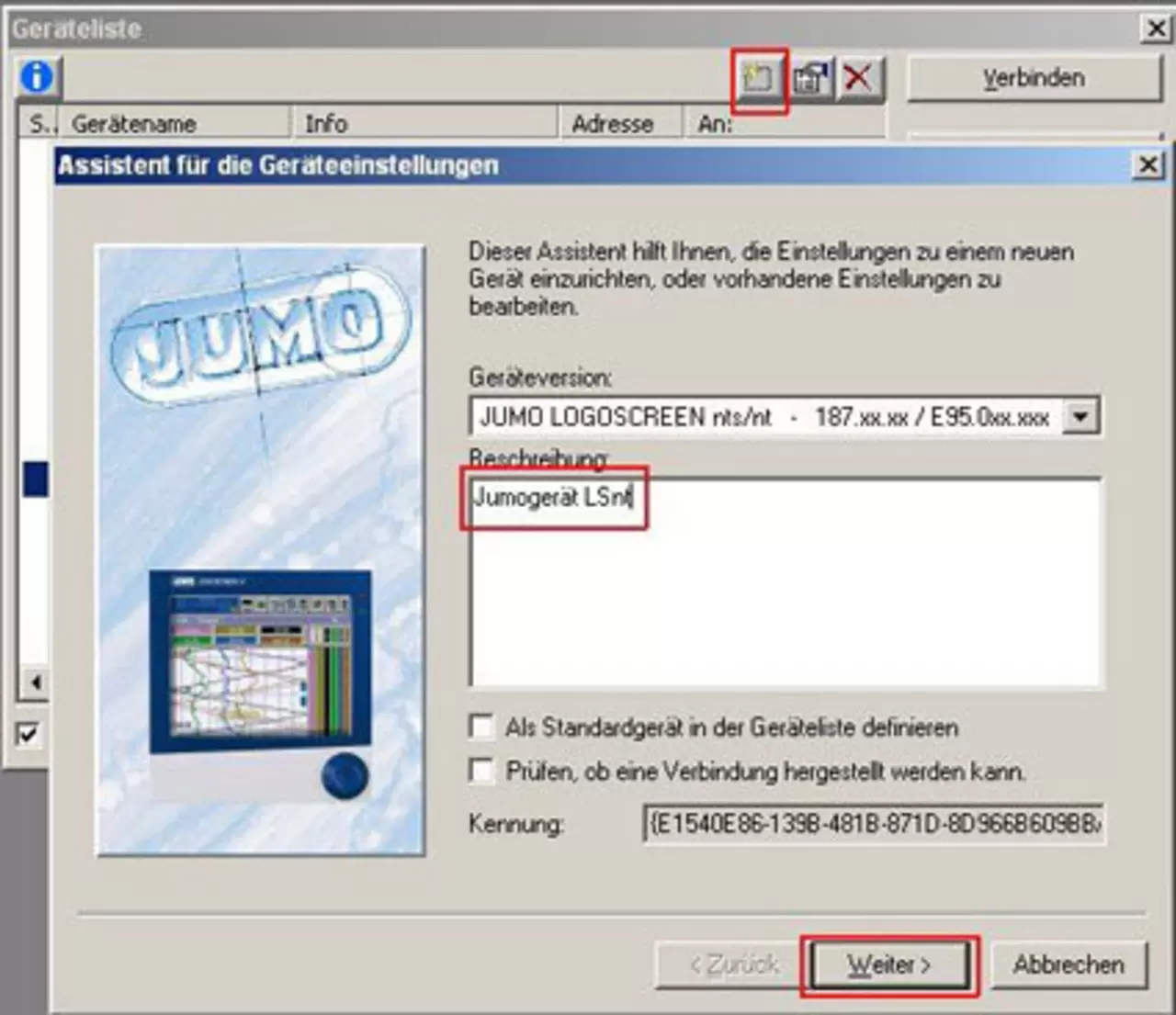
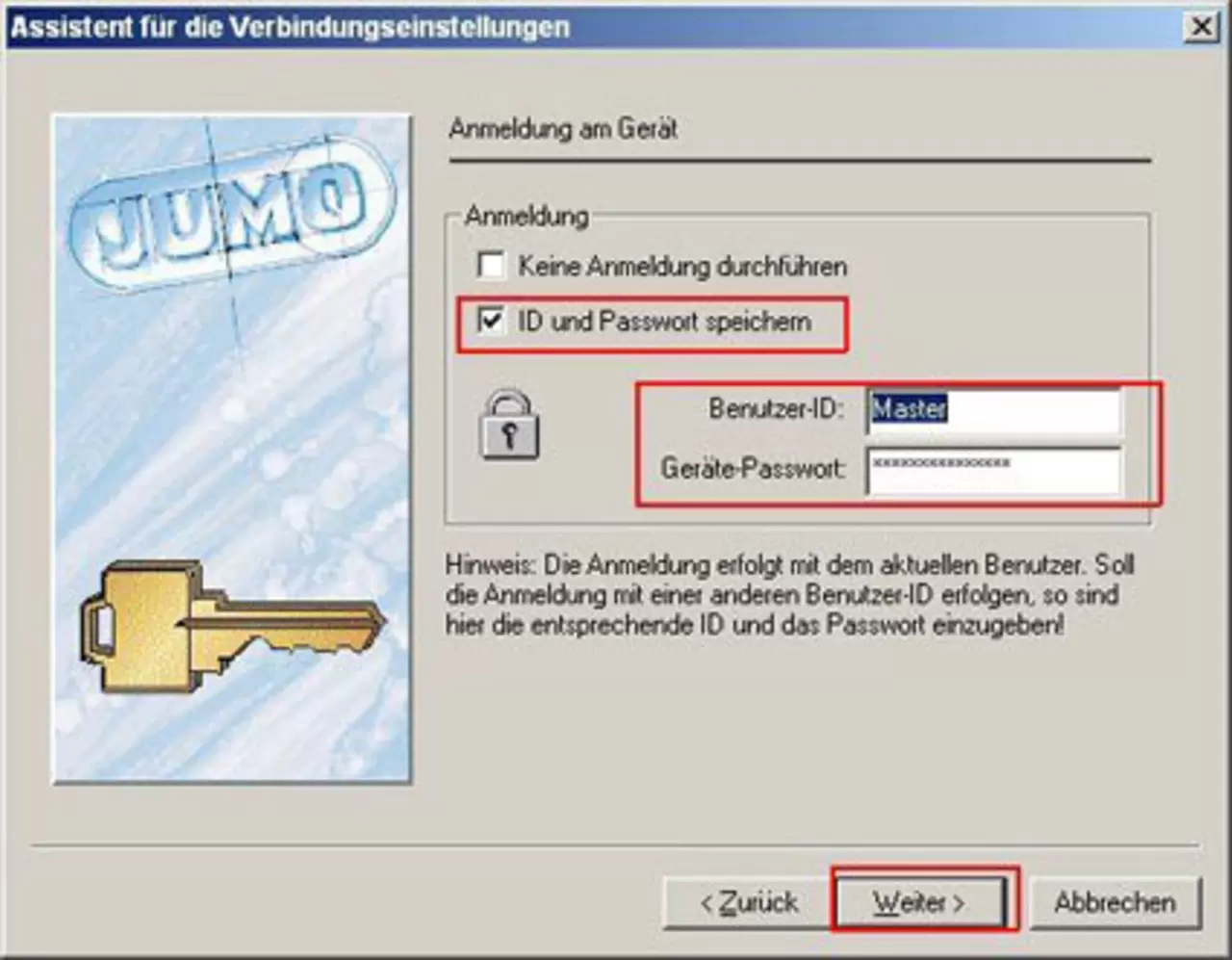
Device List / Assistant
- Example configuration of an entry in the device list
1 from 7